How to Get Started with Promptmonitor
Set up your first website, run your first crawl, and read your first visibility report.
Promptmonitor shows you how your brand appears when people ask ChatGPT, Gemini, Perplexity, and other AI models for recommendations. This guide takes you from sign-up to your first visibility report, and shows you where to look once your data arrives. Setup takes a few minutes.
Create Your Account
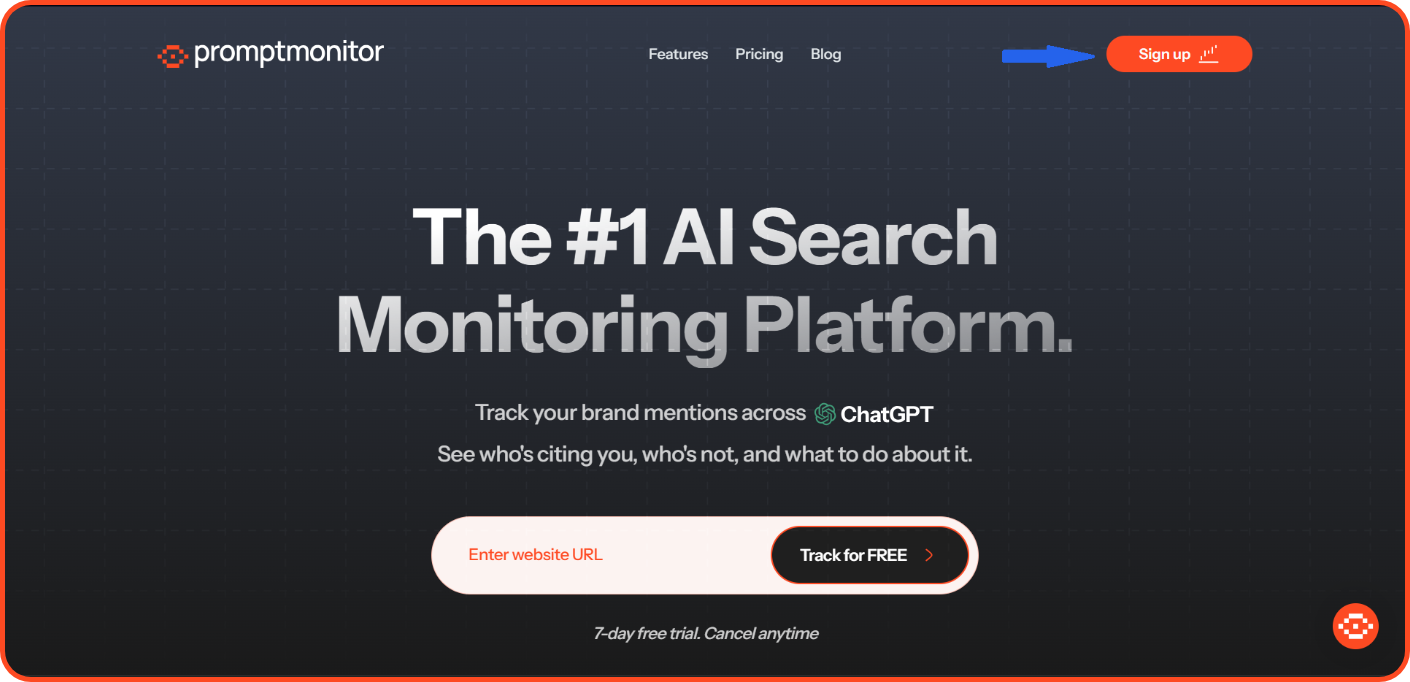
Visit promptmonitor.io, click Sign up at the top of the page, or Try free for 7 days further down. Sign up with Google or with your email address and the verification code we send you.
Set Up Your First Website
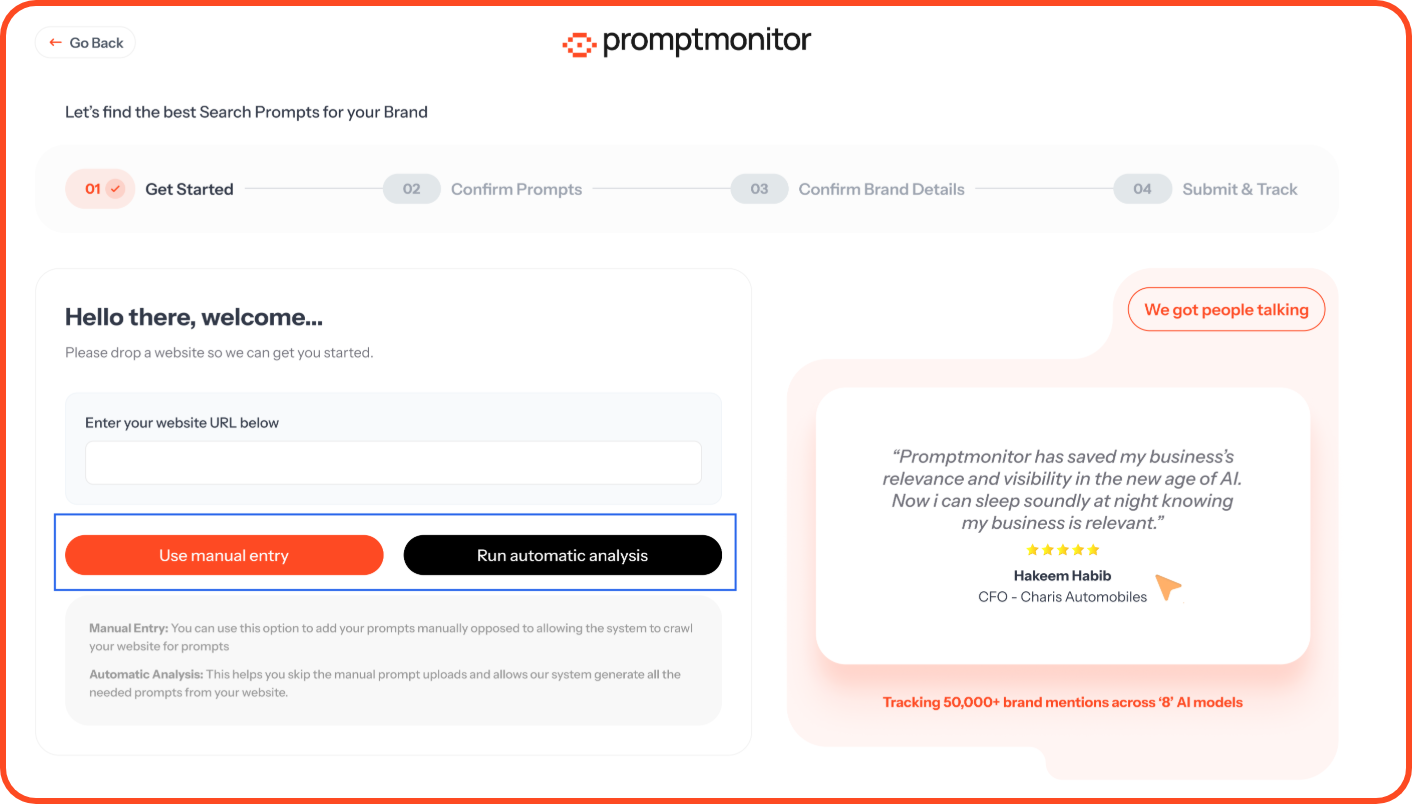
Step 1: Get prompts. A prompt is a question your customers ask AI, such as "best property management companies in Dubai." Enter your website URL and click Run automatic analysis. We'll identify your brand name, write a short description, and suggest 10 prompts. To write your own instead, click Use manual entry.
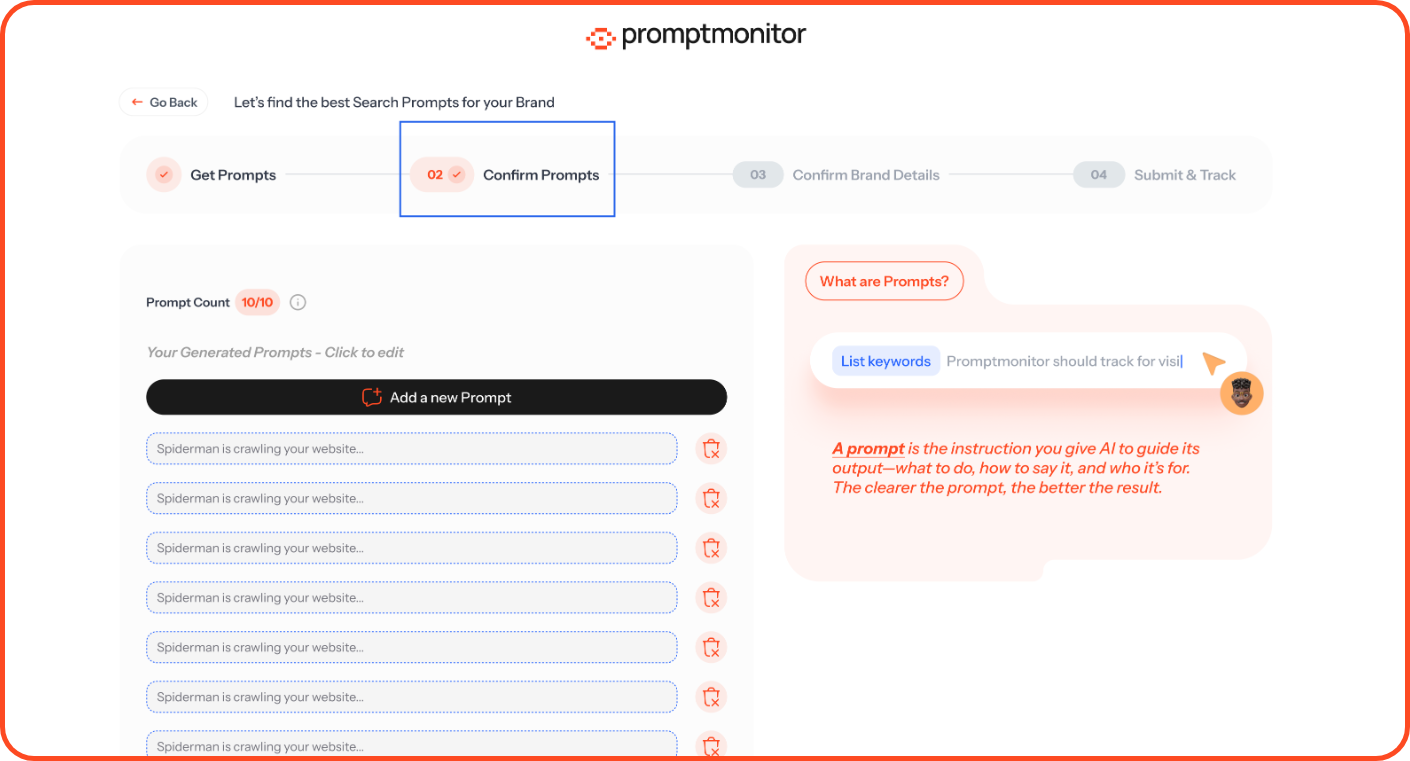
Step 2: Confirm prompts. Keep, edit, or remove the suggestions, or add your own. You need at least 3 prompts and can add up to 10 during setup. You can add more later from the Prompts page.
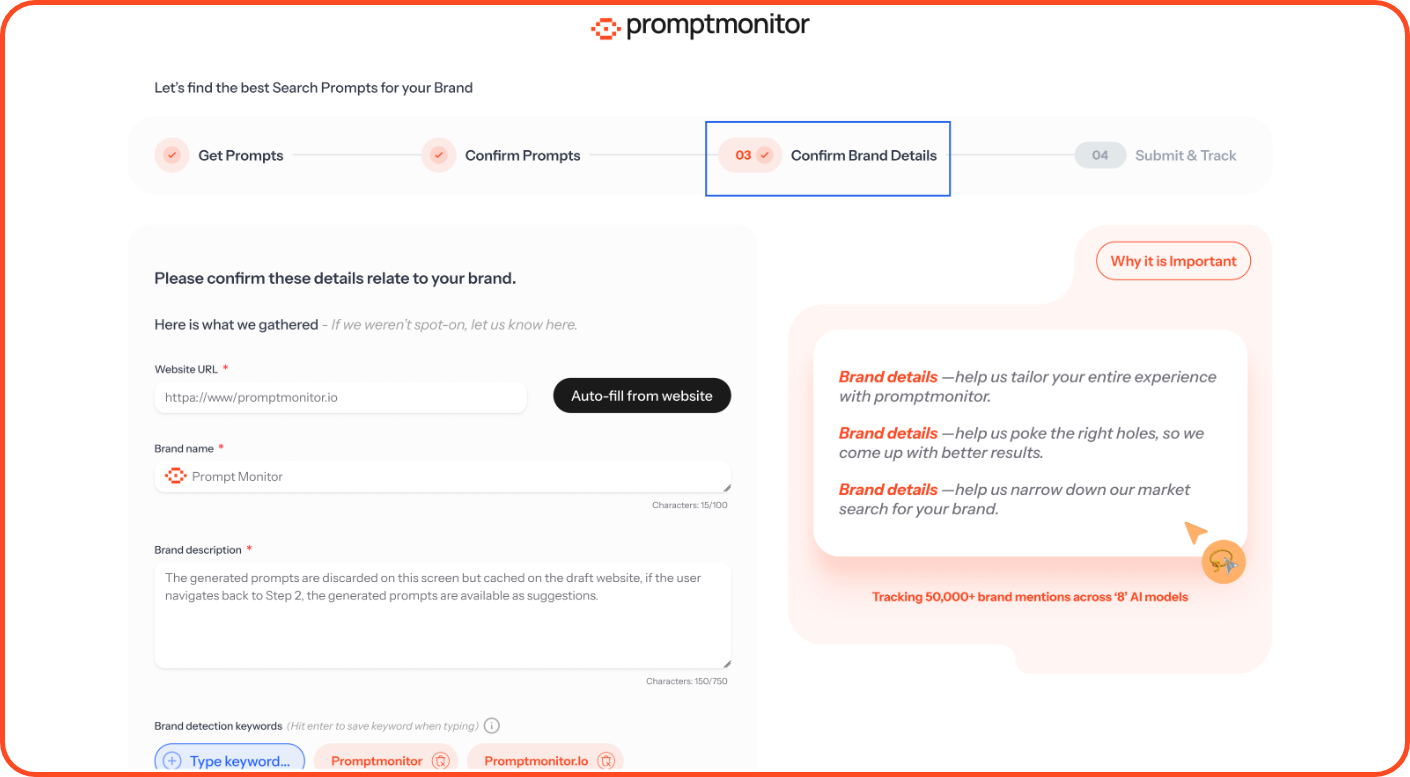
Step 3: Confirm brand details.
Important: If AI mentions you by a name that isn't in your detection keywords, we won't count it. Include common spellings and short forms, such as "Promptmonitor," "Prompt Monitor" and "promptmonitor.io."
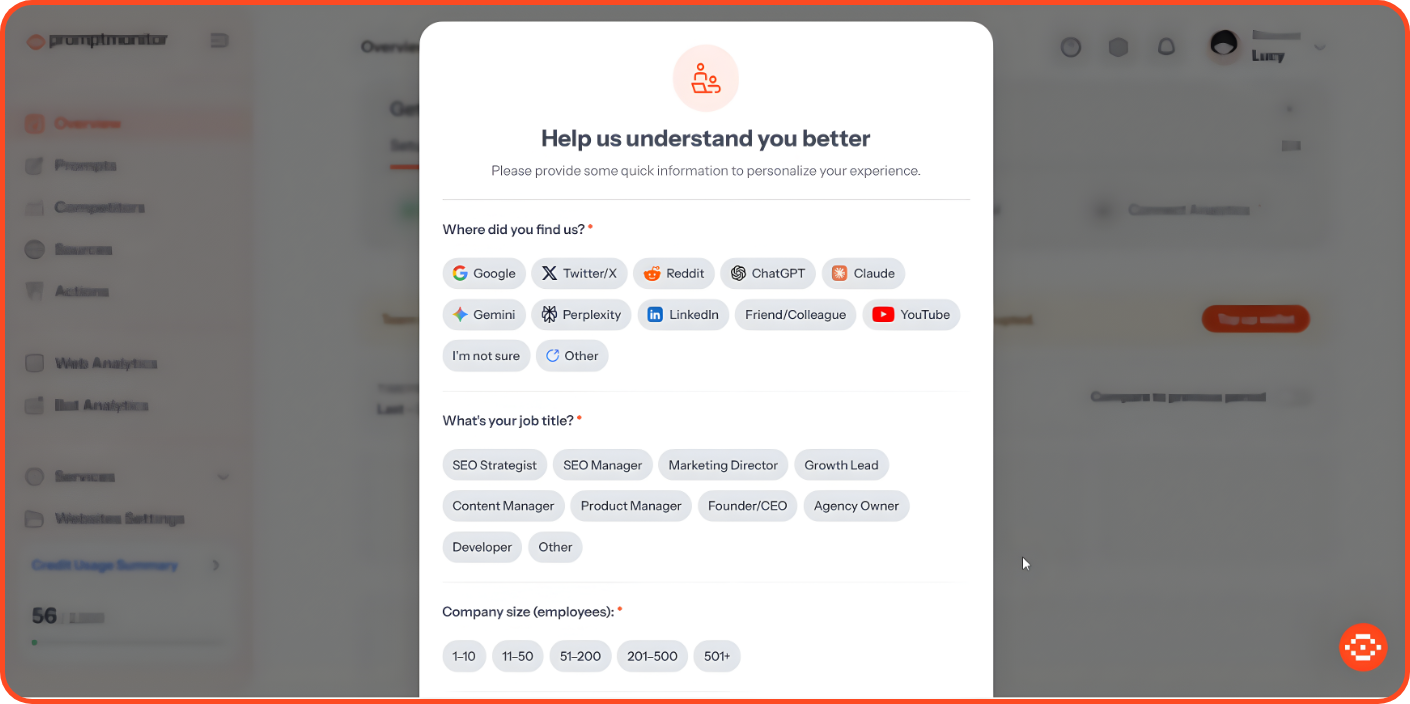
Step 4: Submit and track. Click Submit, then answer a few quick questions about how you found us, your job title, company size, and industry. Your 7-day free trial starts automatically, and your first crawl begins right away. We'll email you when your report is ready.
Finish Your Setup Checklist
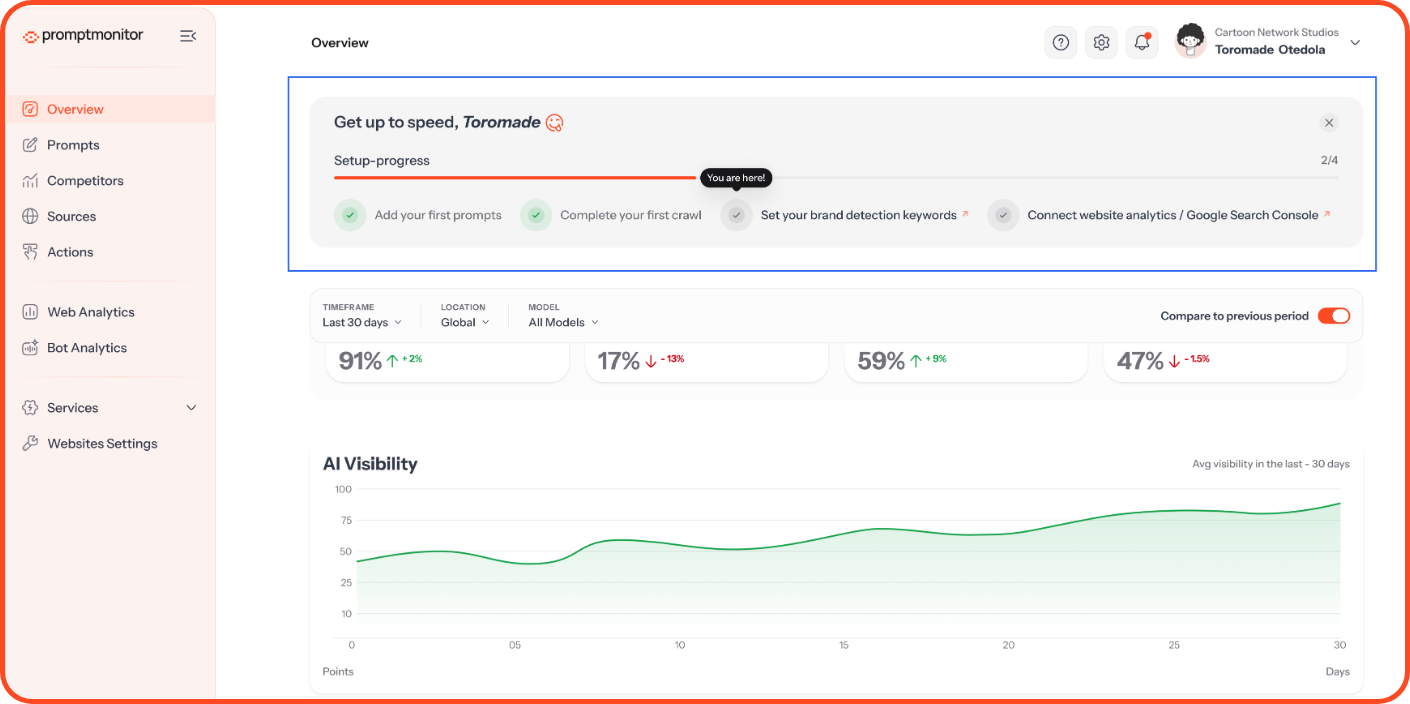
The Get up to speed card on your Overview tracks four steps: Add prompts, Complete crawl, Set brand keywords, and Connect Analytics. The last one is available on Growth and Pro. Click a step to complete it. The card disappears when you're done.
Read Your First Report
Low scores in your first report are normal. It's the baseline you'll measure progress against.
Invite Your Team
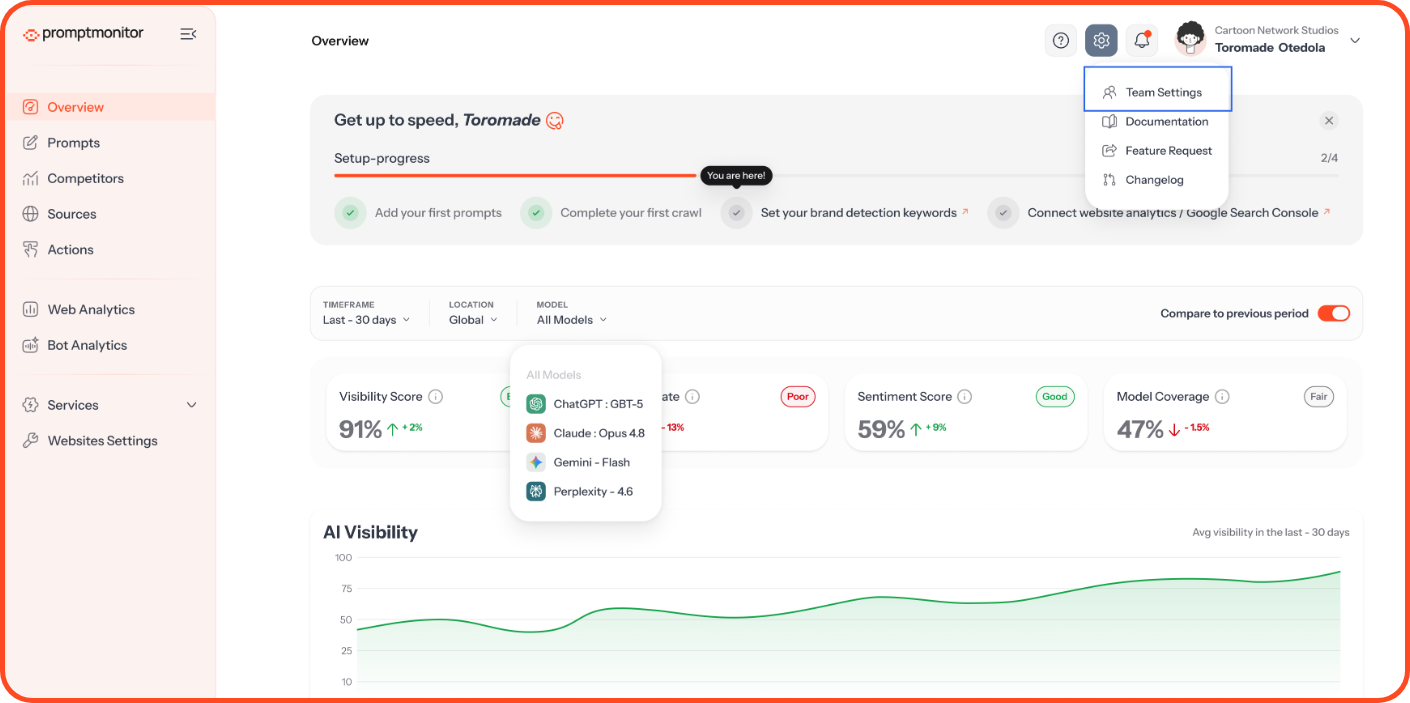
Click the gear icon, open Team Settings, select Team, and click Invite Member. Seats are unlimited, and only admins can invite members.
FAQs
How long does my first report take?
Your report is ready as soon as your first crawl finishes. We'll email you when it's done, so you don't need to keep the page open.
Can I change my prompts or brand details later?
Yes. Add, deactivate, or remove prompts from the Prompts page. Update your brand name, description, detection keywords and markets in Websites Settings.
Can I track more than one website?
Yes, depending on your plan. Starter covers 1 website, Growth covers 2, and Pro covers 5. Add a website from Websites Settings with Add New Website.
Why does my report show a score of 0%?
It usually means AI models didn't mention your brand in this crawl. That's common for newer brands. Check that your detection keywords include every name AI models might use for you, then use the Actions page to start improving.
Need Help?
Click the ? icon at the top of your dashboard and choose Contact us.
Email us at support@promptmonitor.io
Was this helpful?
Still need help? Ask the team