The Overview Page and How We Measure Visibility
Your four visibility scores, how we calculate them, and the charts that show where your brand stands in AI answers.
The Overview page answers one question: how visible is your brand when people ask AI models about your market? It's the first page you see when you open a website, and every number on it comes from your latest crawls.
Your data updates after each crawl, not live. When a crawl finishes, every score, chart, and list on this page refreshes.
Filter What You See
The filter bar at the top of the page controls every score, chart, and list below it.
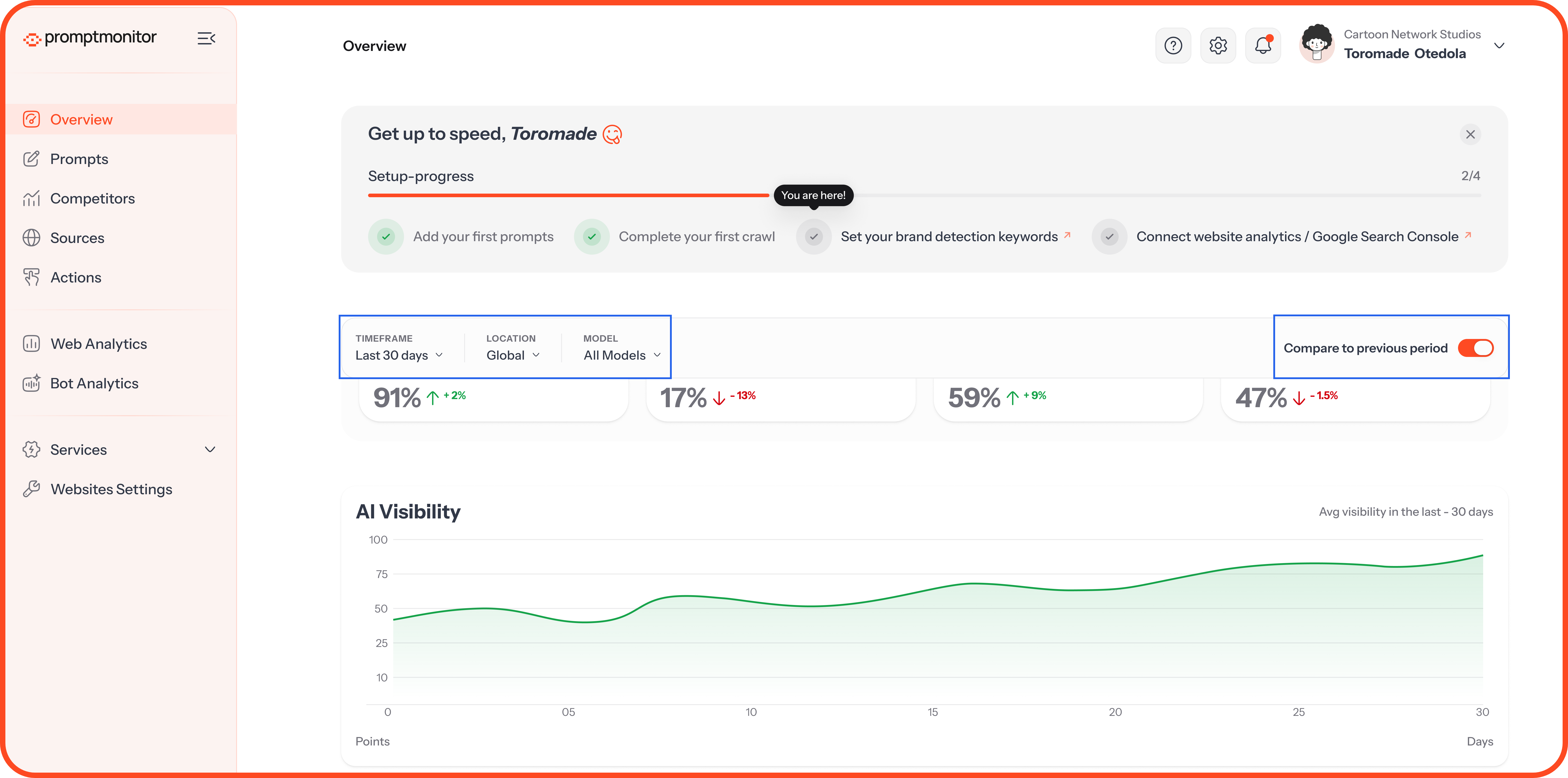
Your filters stay in place as you move between pages for the same website. They reset when you switch websites.
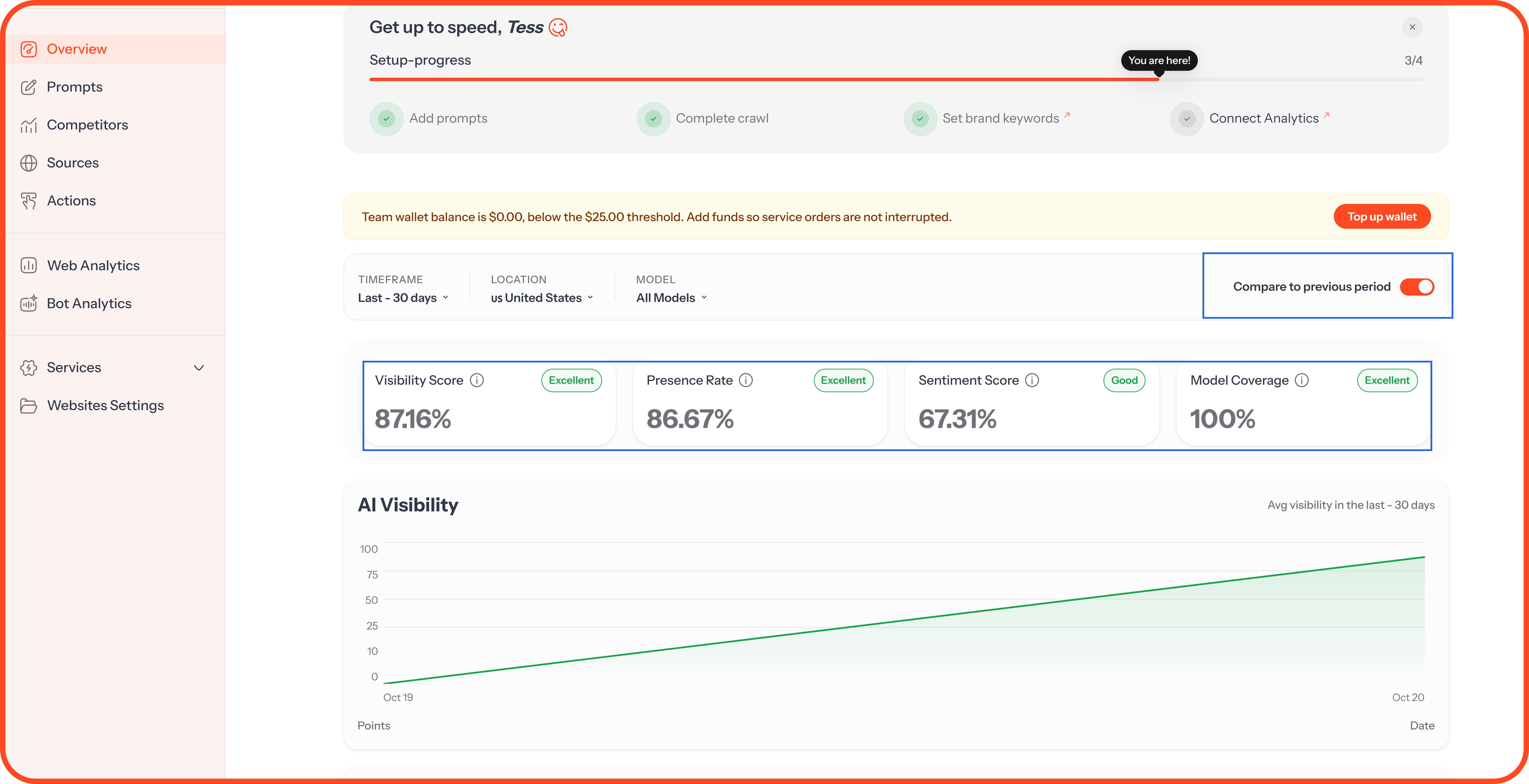
The Four Scores
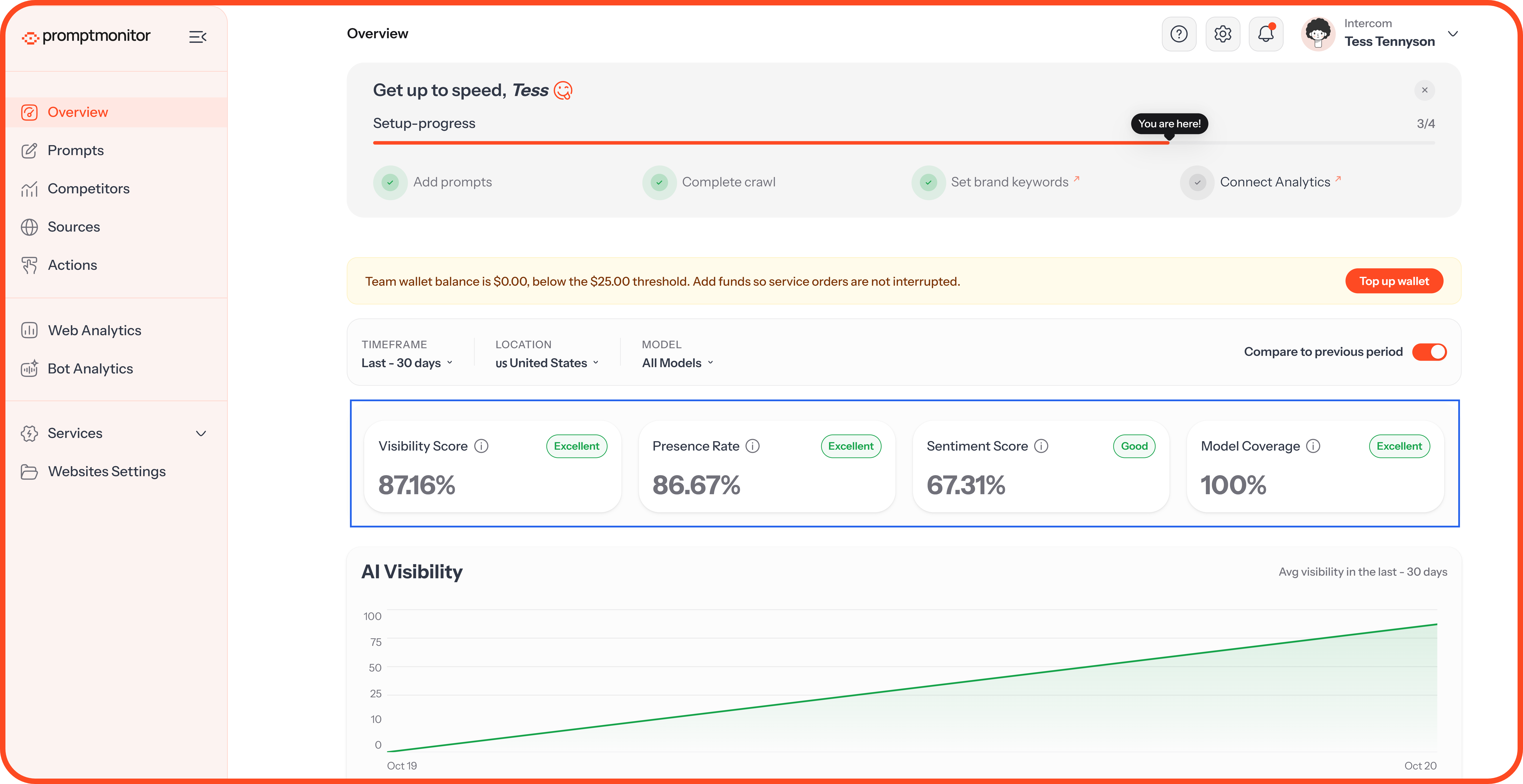
How the Visibility Score Is Calculated
Visibility Score = (Presence Rate × 0.8) + (Model Coverage × 0.2)
Presence Rate carries most of the weight, because showing up often is what matters most. Model Coverage rewards you for appearing across several AI models, not just one.
For example, say we collected 10 AI answers across 4 models:
6 answers mention your brand, so your Presence Rate is 60%
3 of the 4 models mention you, so your Model Coverage is 75%
Your Visibility Score is (60 × 0.8) + (75 × 0.2) = 48 + 15 = 63%
A brand that appears in half of ChatGPT's answers but never on other models scores lower than one with steady visibility everywhere.
Score Tiers
Reading the Change Arrows
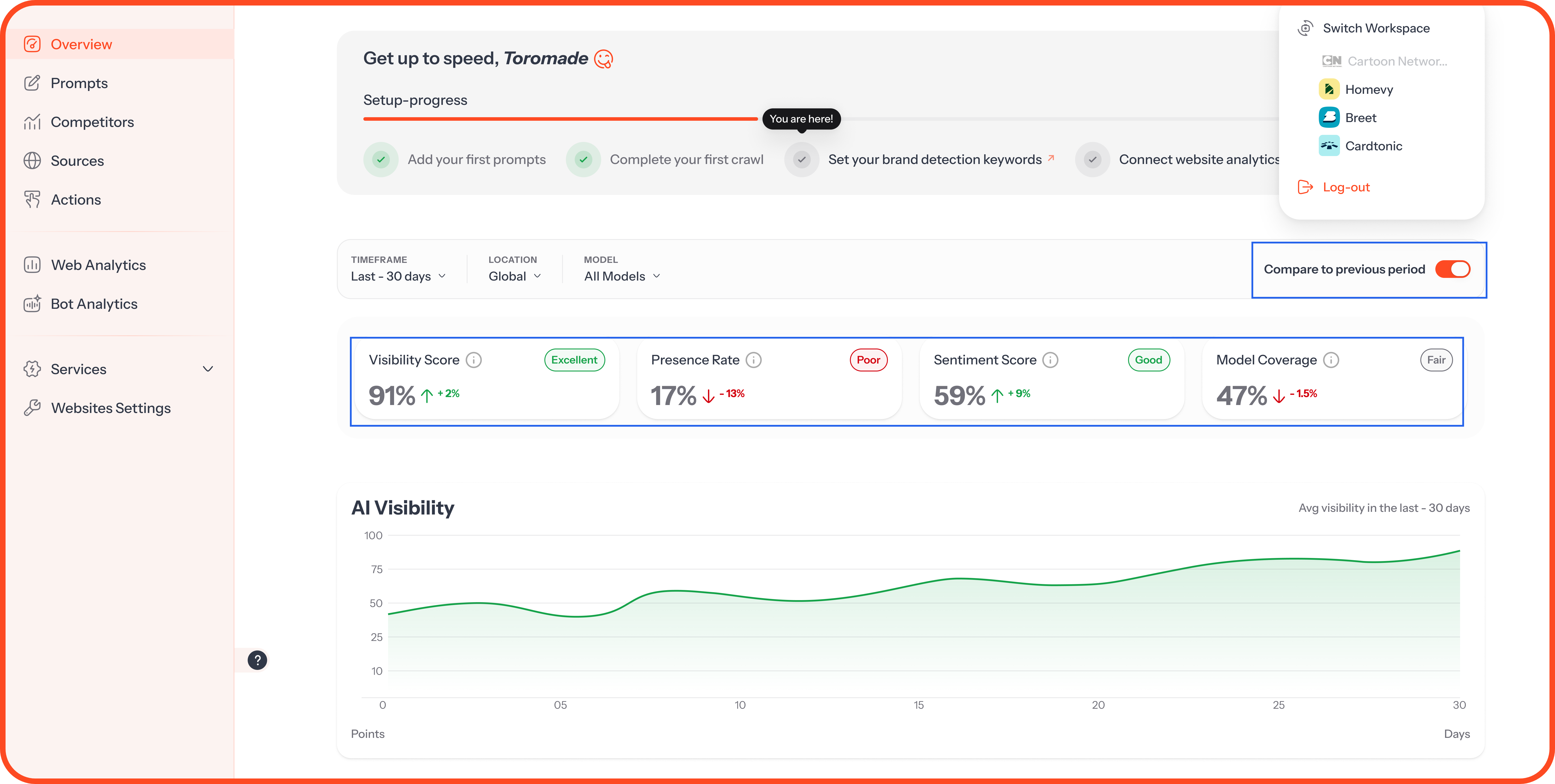
With Compare to previous period switched on, each card shows how the score moved:
An up or down arrow with a percentage: The change against the previous period of the same length. If you're viewing the last 30 days, you're comparing against the 30 days before that.
"New": You had no score in the previous period, so there's nothing to compare against yet.
A dash: There's no data for the previous period.
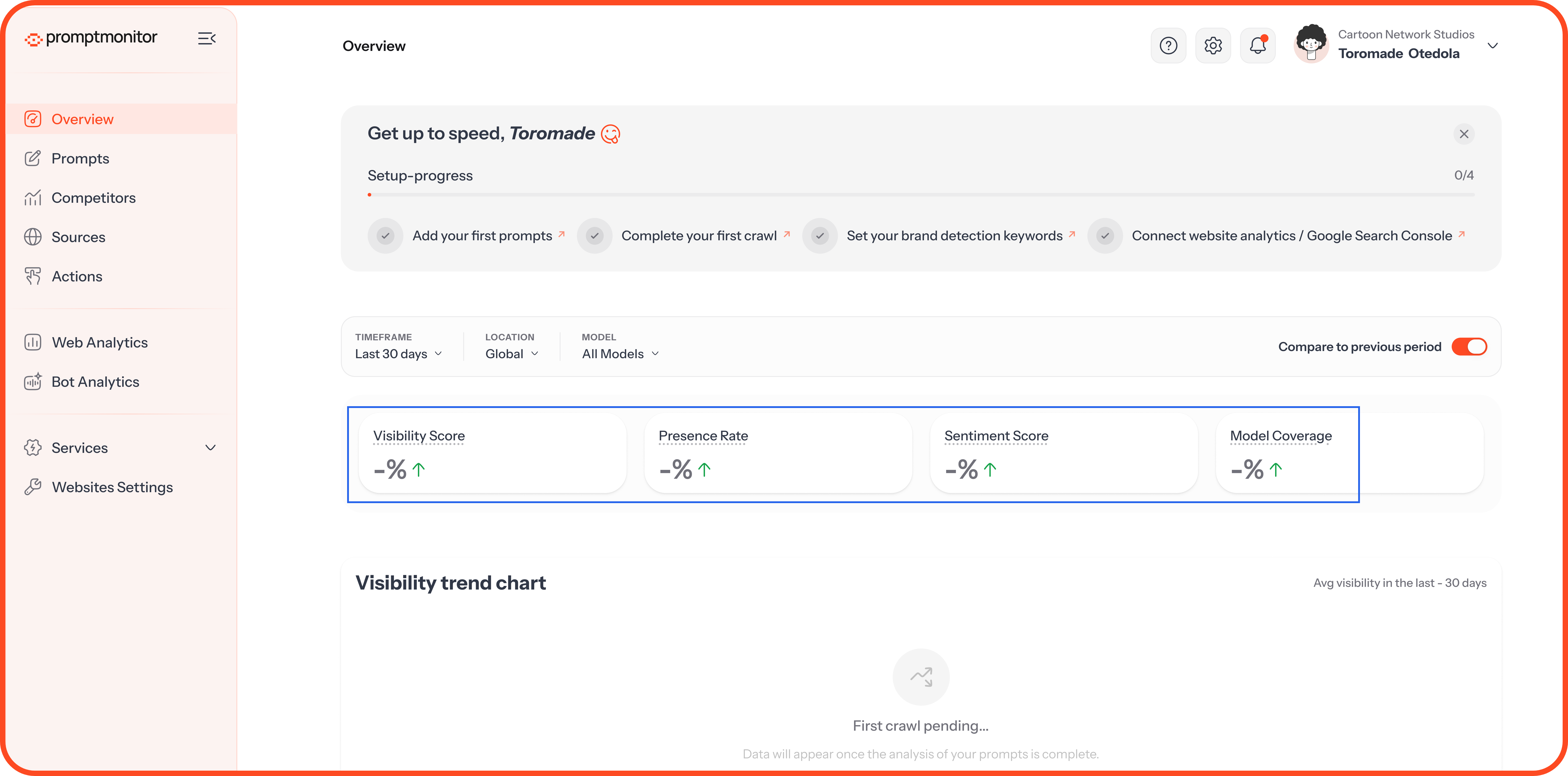
The arrow shows direction. The tier shows level. A score can rise and still be in the Poor tier, so read both together.
Charts and Breakdowns
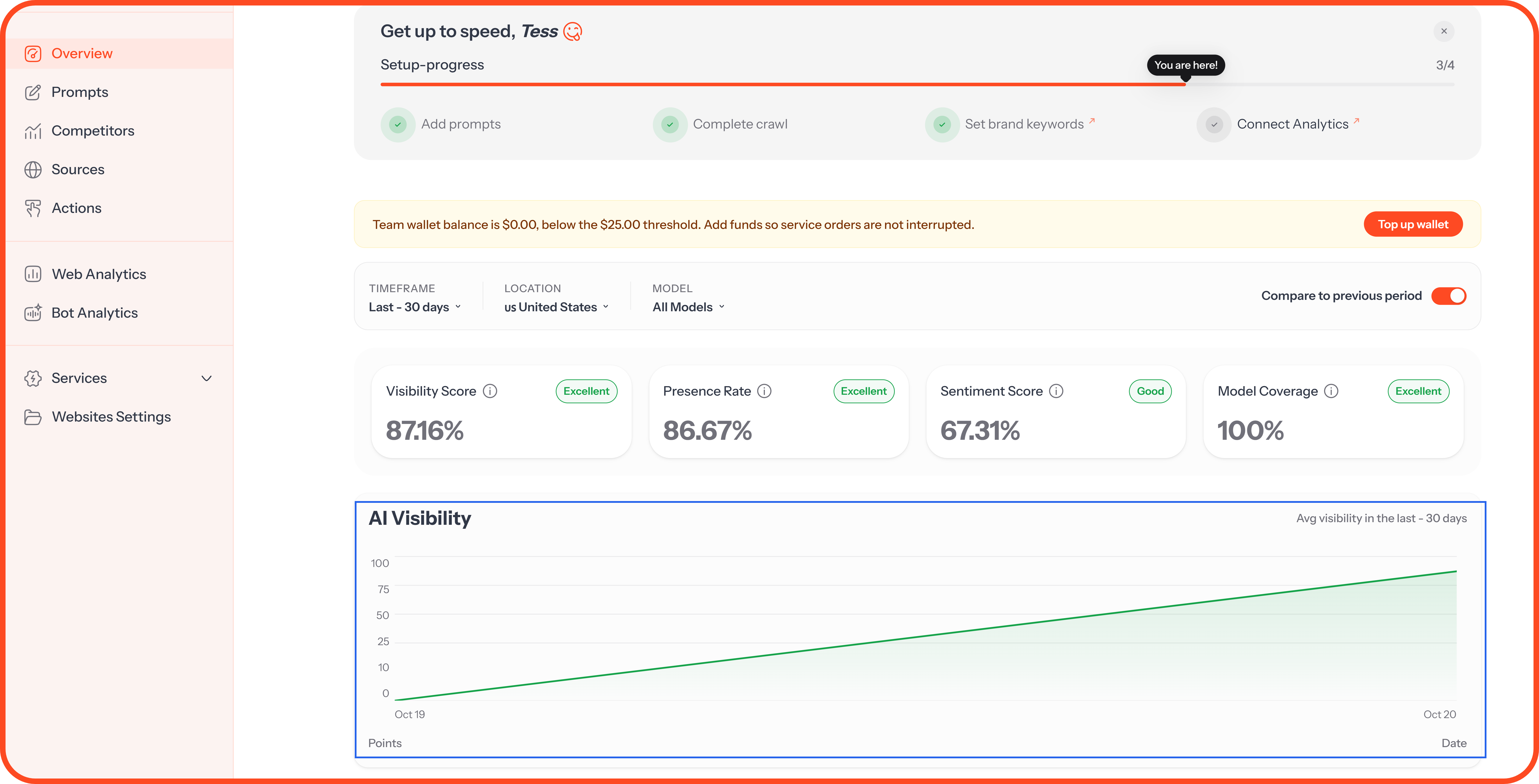
AI Visibility
Your Visibility Score over time, one point per crawl. Hover over a point to see its date and score.
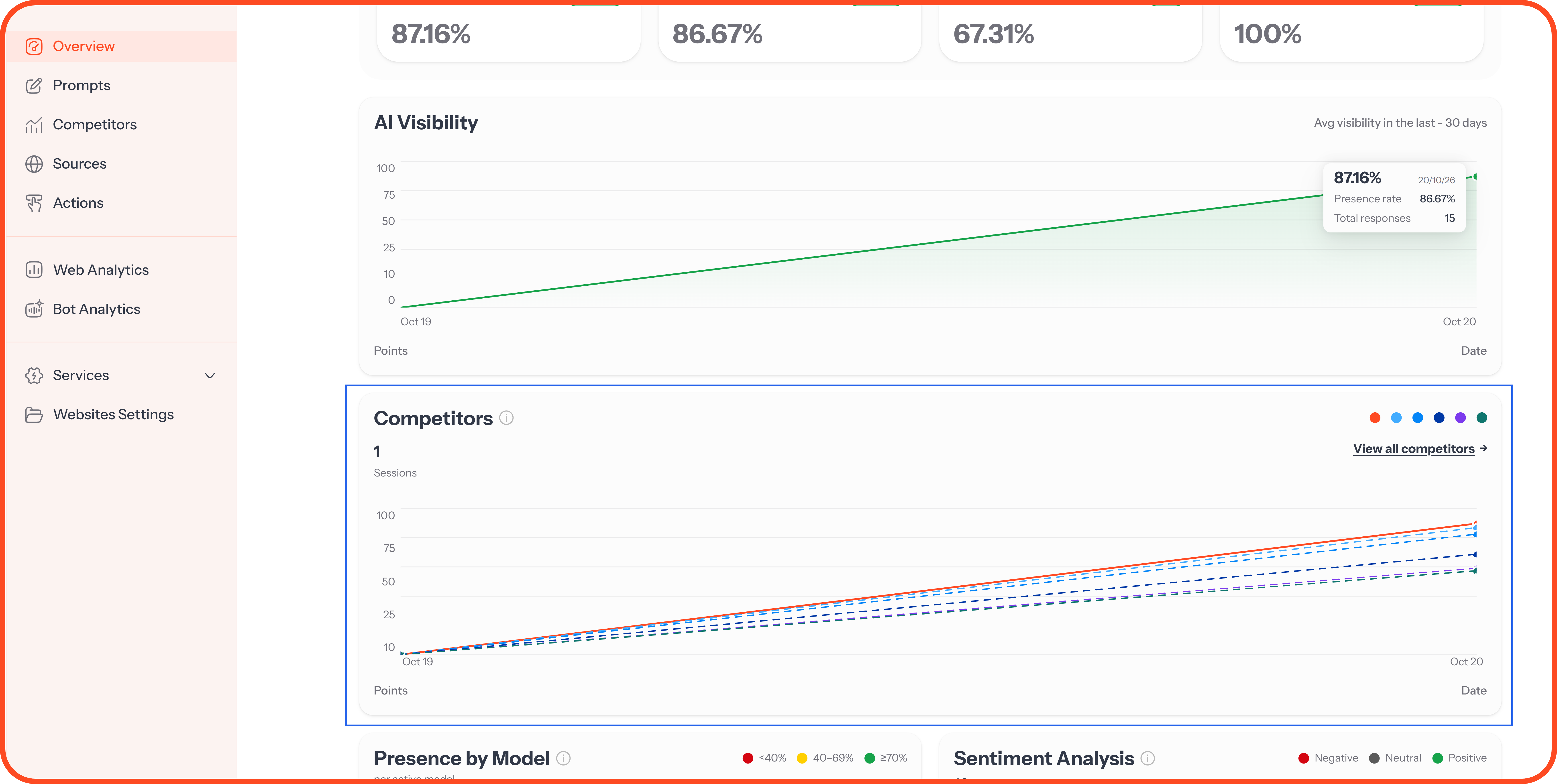
Competitors
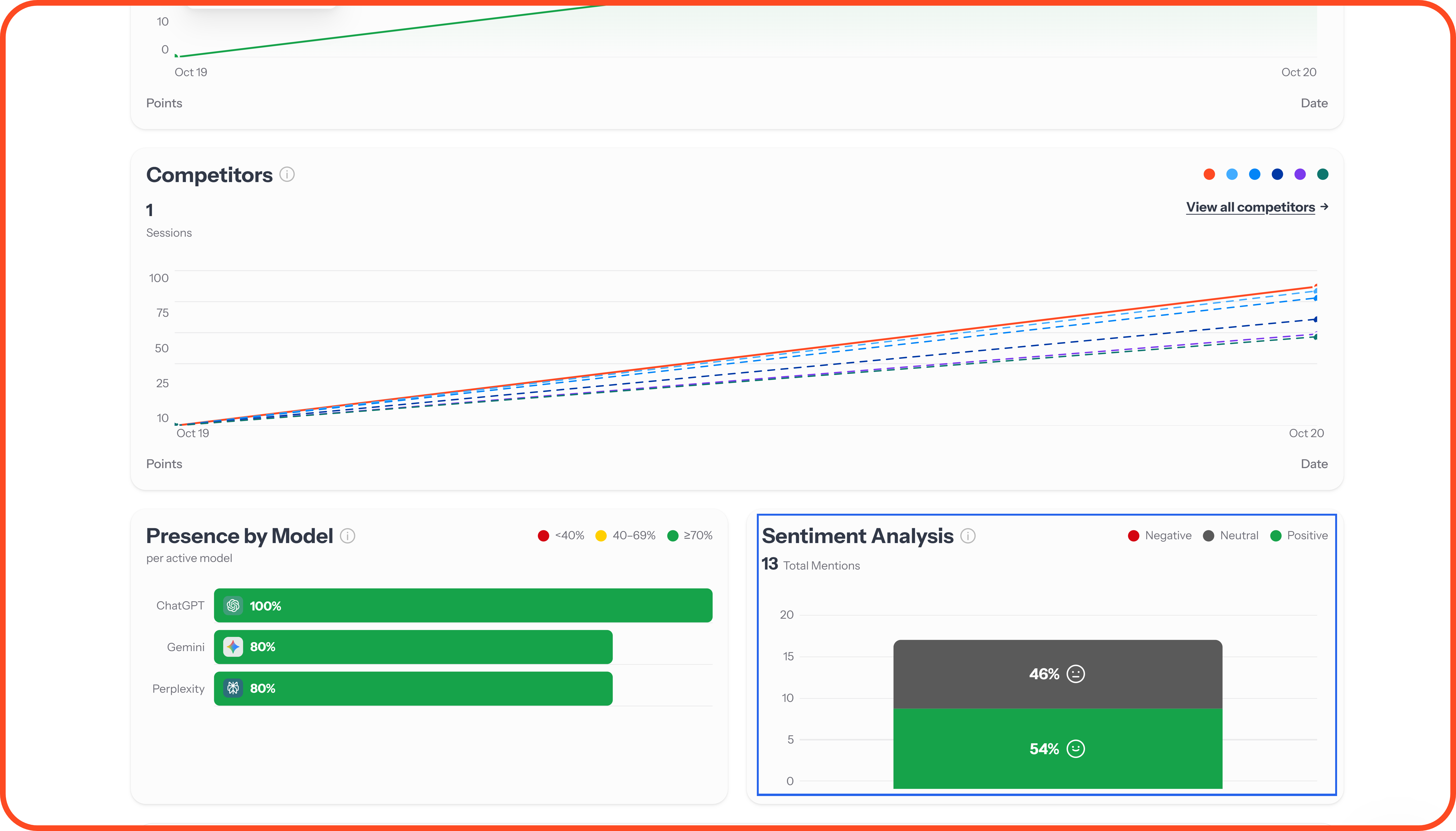
Your visibility next to your top competitors over time. Hover over a colored dot at the top right to see which brand it is, or click View all competitors to open the Competitors page.
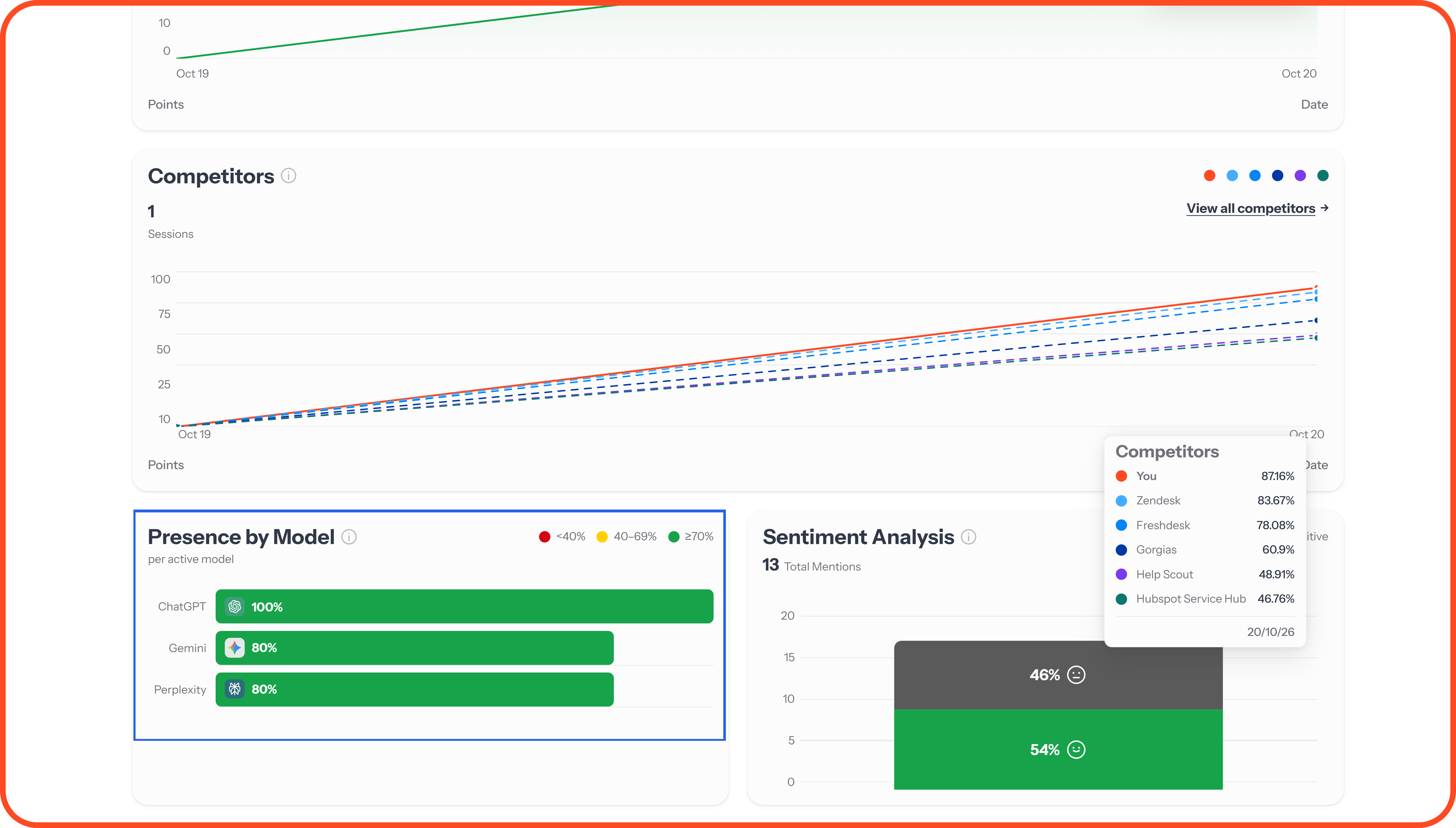
Presence by Model
Your Presence Rate on each AI model, so you can see which models mention you most and which don't.
Sentiment Analysis
How your brand mentions split into positive, neutral, and negative.
Top AI Internal Queries
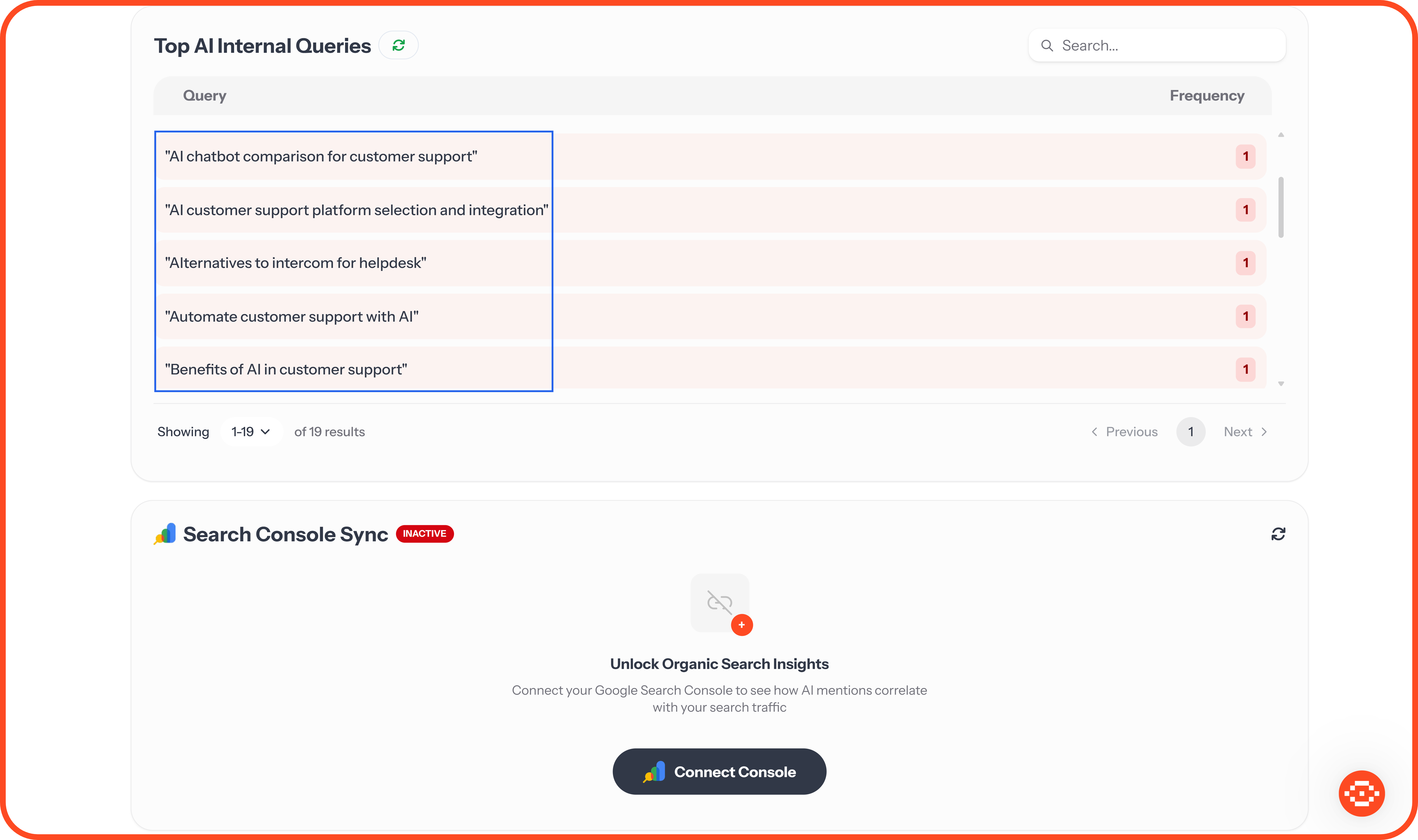
When AI models answer a prompt, many of them run their own web searches first. This list shows the searches they ran most often, with how many times each came up.
These make useful content ideas, because they show the exact phrases AI models search for when they research your market.
Search Console Sync
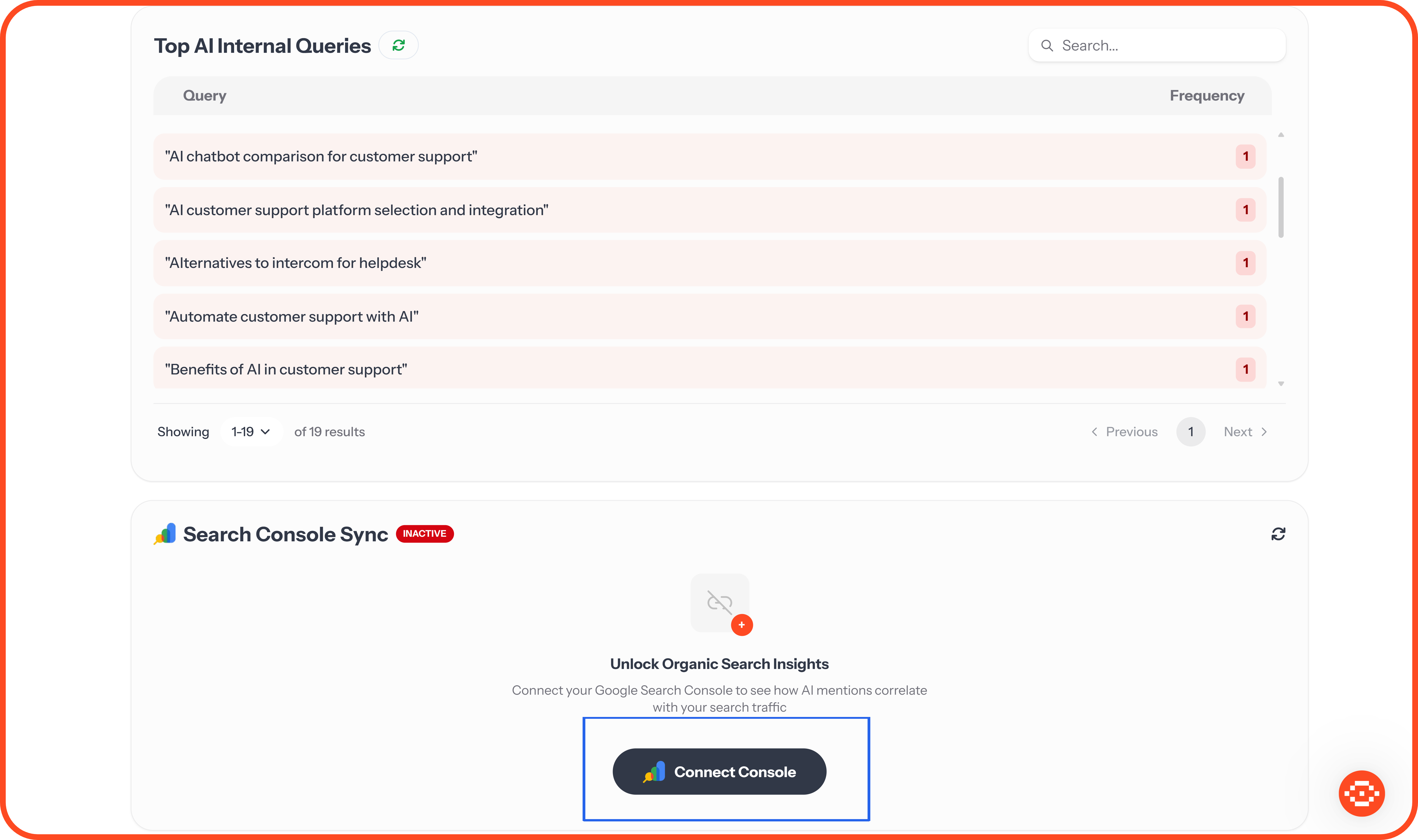
Connect Google Search Console to see your top 20 Google search queries next to your AI data. This is available on Growth and Pro. To set it up, read Connect Google Search Console.
When Your Overview Is Empty
FAQs
Why is my Visibility Score low?
Usually because AI models rarely mention your brand for the prompts you track yet. That's common for newer brands. Check that your detection keywords in Websites Settings cover every name AI might use for you, then work through your Actions page.
Why do my scores change between crawls?
AI models don't give the same answer every time. Answers change with their training, the web pages they find, and the location of the question. Look at the trend over several crawls rather than one result.
Why does Model Coverage look high when my Presence Rate is low?
Model Coverage only needs one mention from a model to count it. Presence Rate counts every answer. You can appear once on each model and still be missing from most answers.
Why don't you track my position in AI answers?
AI answers usually name only a few brands, and their order changes often. What matters most is whether you're mentioned at all.
How far back does my data go?
We keep all your history. Choose “All time” in the Timeframe filter to see it.
💬 Have a question about your numbers? Click the ? icon at the top of your dashboard and choose Contact us.
Was this helpful?
Still need help? Ask the team