How Crawls Work
What happens when we check your prompts, when crawls run, what they cost, and what to do if one fails.
Every number on your dashboard comes from a crawl. This guide explains what happens during a crawl, when crawls run, what they cost, and what to do if one fails.
What a Crawl Is
A crawl is one round of asking AI models your prompts. For each active prompt, we query every AI model on your plan in each selected location and record the responses.
From each answer, we pull out:
Whether AI named your brand and how it described you
Which competitors it named
Which web pages it cited
What it searched for to answer
When the crawl finishes, we turn those answers into your visibility scores, competitor rankings, sources, and actions.
Types of Crawl
Run a Crawl Yourself
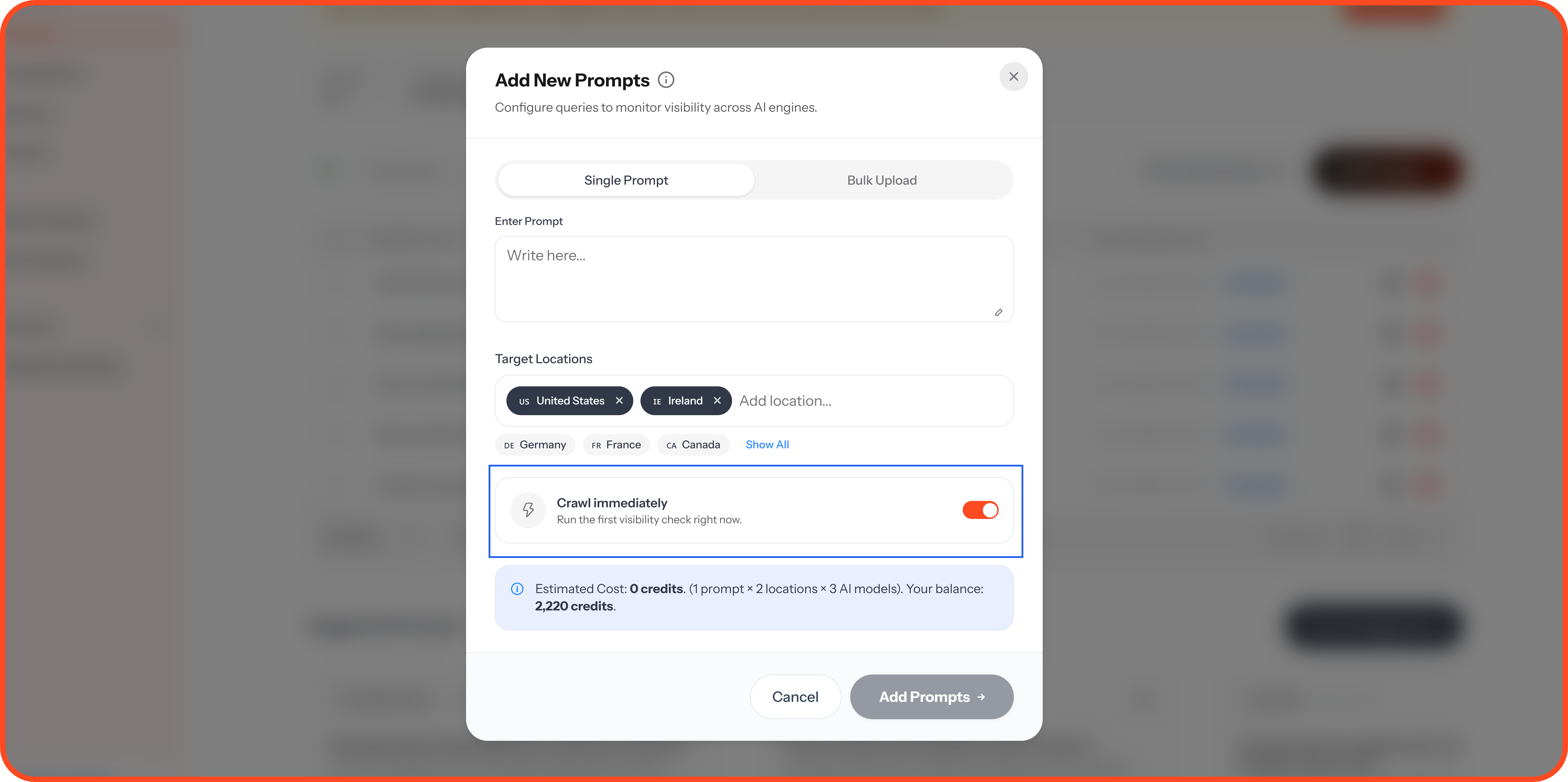
New prompts: Leave Crawl immediately on when you add a prompt, so it's checked straight away instead of waiting for the next scheduled crawl.
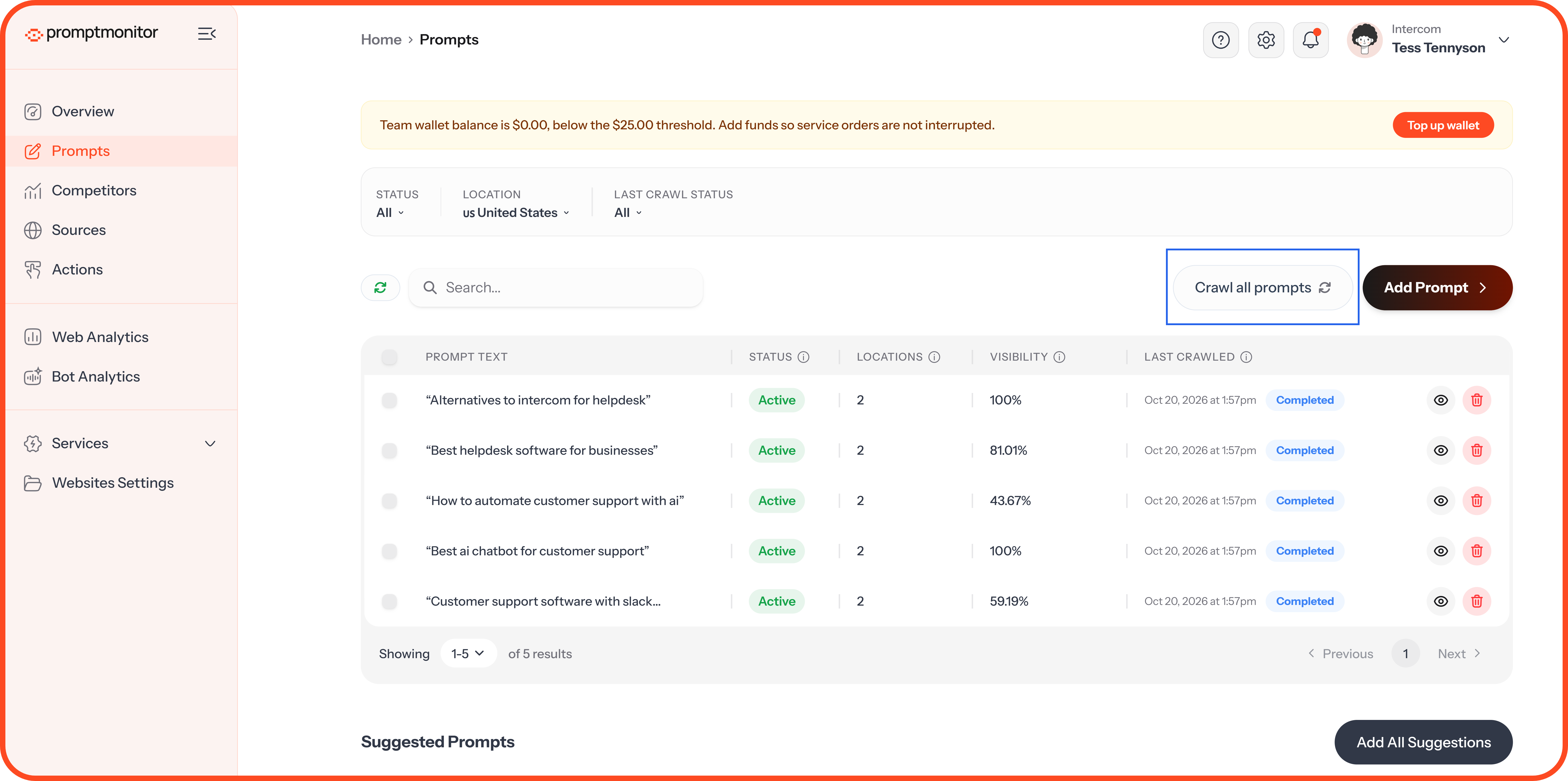
All prompts: Click Crawl all prompts on the Prompts page.
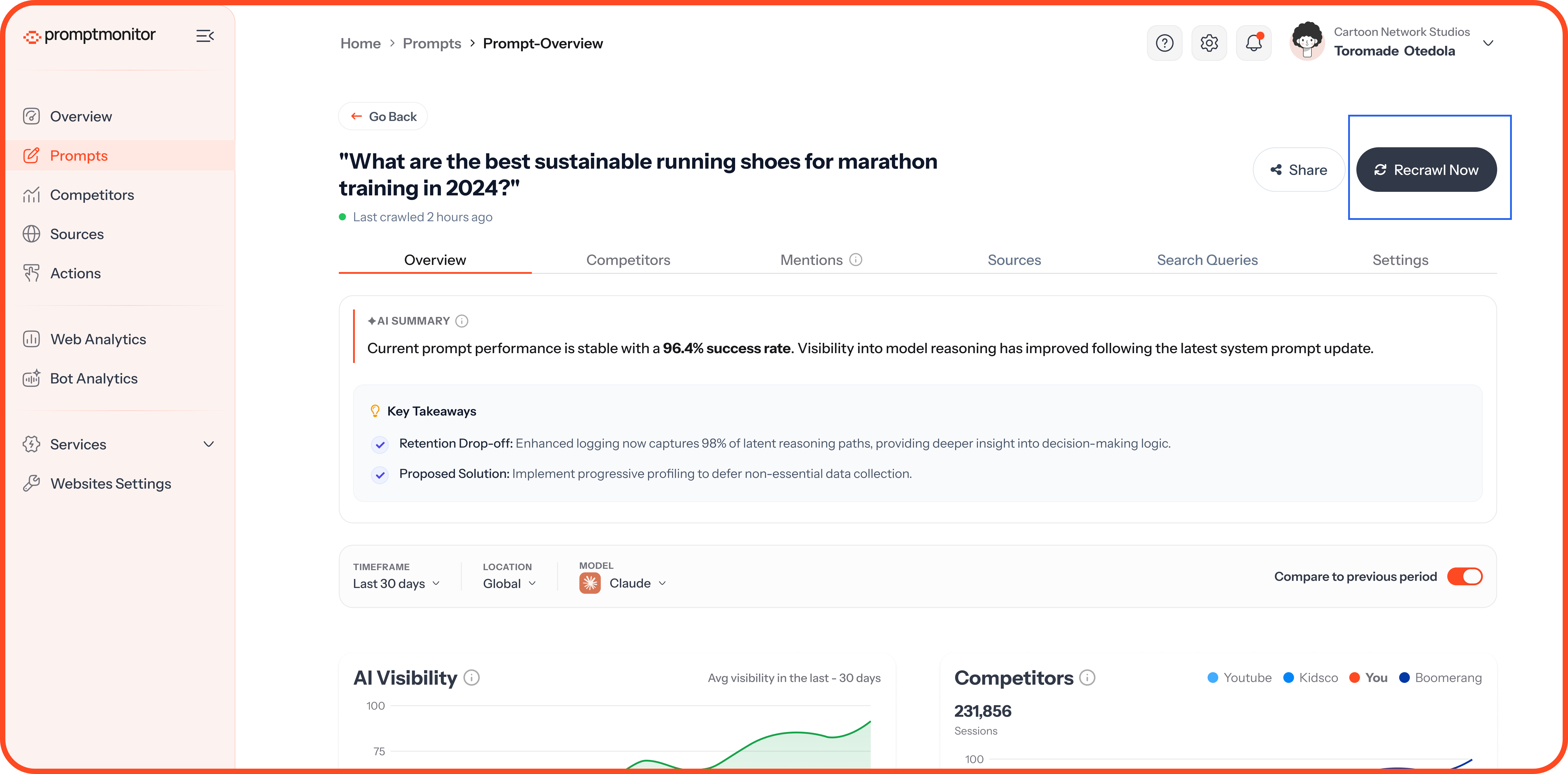
One prompt: Open the prompt and click Recrawl Now.
Before a manual crawl starts, we show how many credits it will use and how many you have left. A manual crawl doesn't change your schedule, so your next scheduled crawl still runs on time.
One crawl at a time. If a crawl is already running for this website, wait for it to finish before you start another.
What a Crawl Costs
Each AI answer uses 1 credit:
Credits per crawl = active prompts × locations per prompt × AI models on your plan
For example, 10 prompts in 2 locations on a plan with 3 models uses 60 credits. Deactivated prompts aren't crawled, so they don't use credits. For more, read Credits, Plans, and Usage.
If You're Running Low
Scheduled crawls use your remaining credits on your newest prompts first. Older prompts are skipped and marked Skipped: not enough AI answers remaining.
Manual crawls won't start unless you have enough credits for the whole crawl.
While a Crawl Is Running
Your Overview shows Crawl in progress, and the Prompts page shows which prompts are being crawled. Most crawls finish within a few minutes. Larger ones can take up to 30 minutes.
On the Prompts page, the Last crawled column and the Last Crawl Status filter show when each prompt was last checked and how it went.
When Something Goes Wrong
AI models are sometimes slow or unavailable. We handle most problems for you:
We retry automatically. If an answer fails, we try again several times.
Retries are free. They don't use extra credits.
Failed answers are refunded. If an answer still fails after every retry, we give you the credit back.
If a crawl only partly works, your results use every answer that came back, and we retry the rest once more. If a crawl fails, the prompt shows Last crawl failed. We'll try it again on your next scheduled crawl, or you can run it again yourself.
We'll let you know if it keeps happening. If three scheduled crawls in a row fail for a website, we email your team's admins.
When Crawls Stop
Crawls don't run when:
You've paused monitoring for the website in Websites Settings
You've used all your credits for this billing period
Your trial has ended or your subscription isn't active
The website has no active prompts
FAQs
Why don't I see results straight after adding a prompt?
If you turned off Crawl immediately, the prompt waits for your next scheduled crawl. Run a manual crawl to see results now.
Why did my visibility change between crawls?
AI answers vary, even for the same question. That's why we crawl regularly and show trends over time. Judge your visibility by the trend, not a single crawl.
Can I edit a prompt after it's been crawled?
No. Crawled prompts are locked so your history stays comparable. Add a new prompt instead.
💬 Questions about your crawls? Click the ? icon at the top of your dashboard and choose Contact us.
Was this helpful?
Still need help? Ask the team