Competitors Pages
See every brand AI models name for your prompts, how their visibility compares with yours, and where they appear and you don't.
The Competitors page shows every brand AI models mention when they answer your prompts. Some you'll know. Others you might not have realized you were up against.
How We Find Your Competitors
You don't need to set anything up. Every time an AI model answers one of your prompts, we record each brand it names. Any brand that isn't yours appears on this page, with its scores updated after every crawl. You can also add a competitor yourself.
AI competitors aren't always your business competitors. Marketplaces, directories and review sites often show up too, because AI models recommend them for the same questions. They're competing for the same answer, so they're worth watching.
Reading the Competitors Table
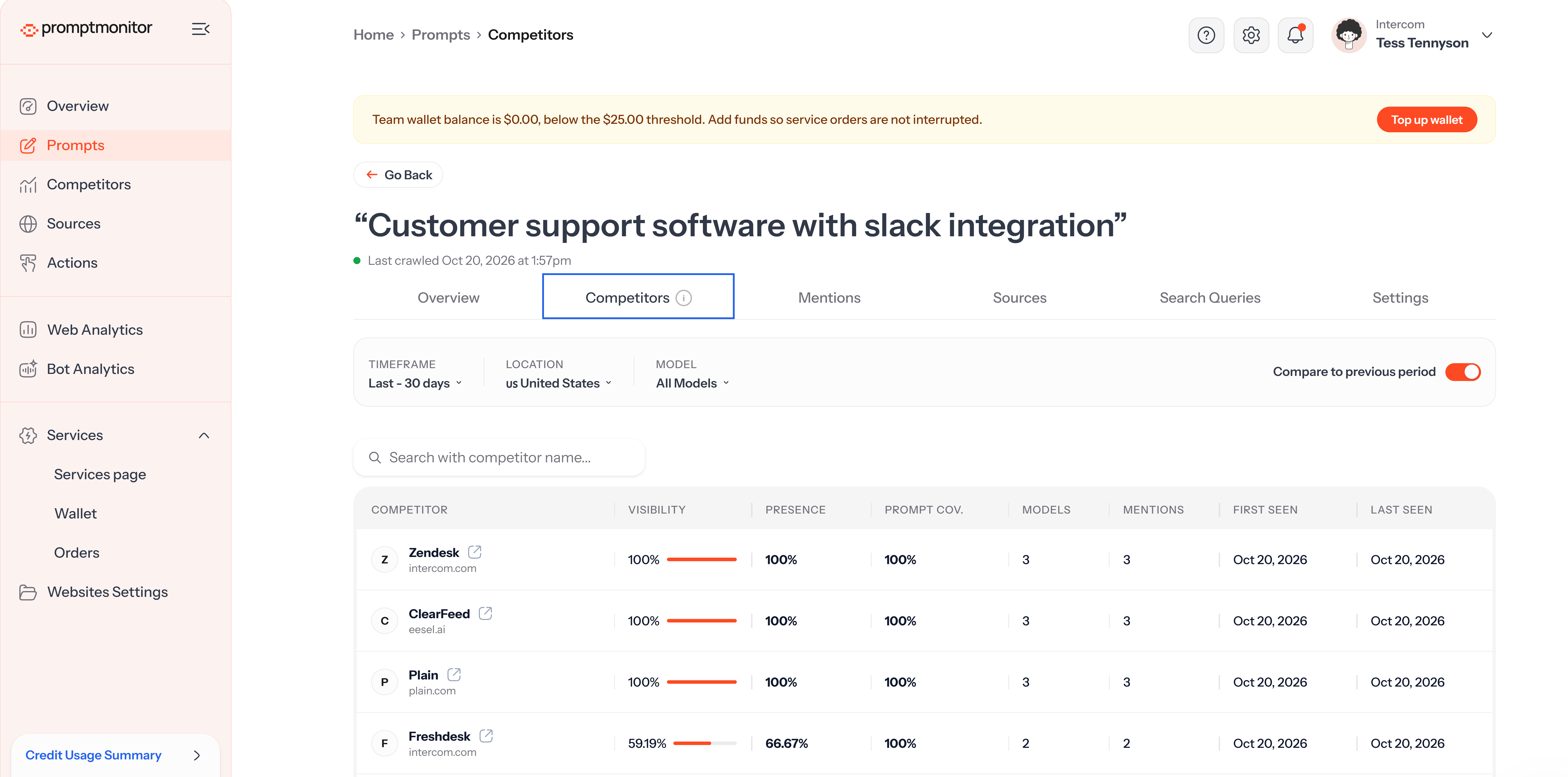
Competitors are sorted by Visibility Score, highest first.
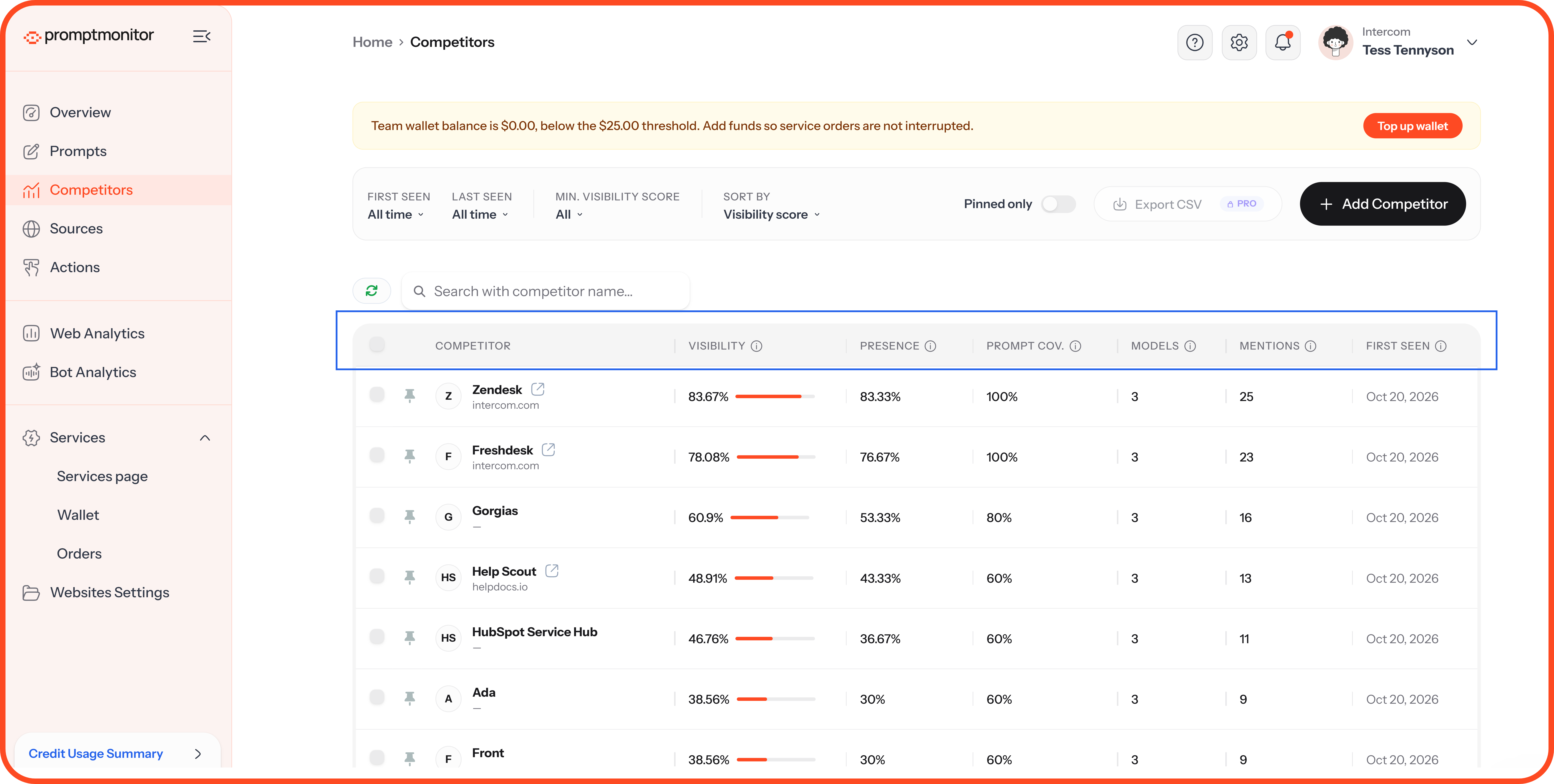
Competitor scores are calculated the same way as yours, so you can compare them directly with the scores on your Overview page.
Filter and Sort
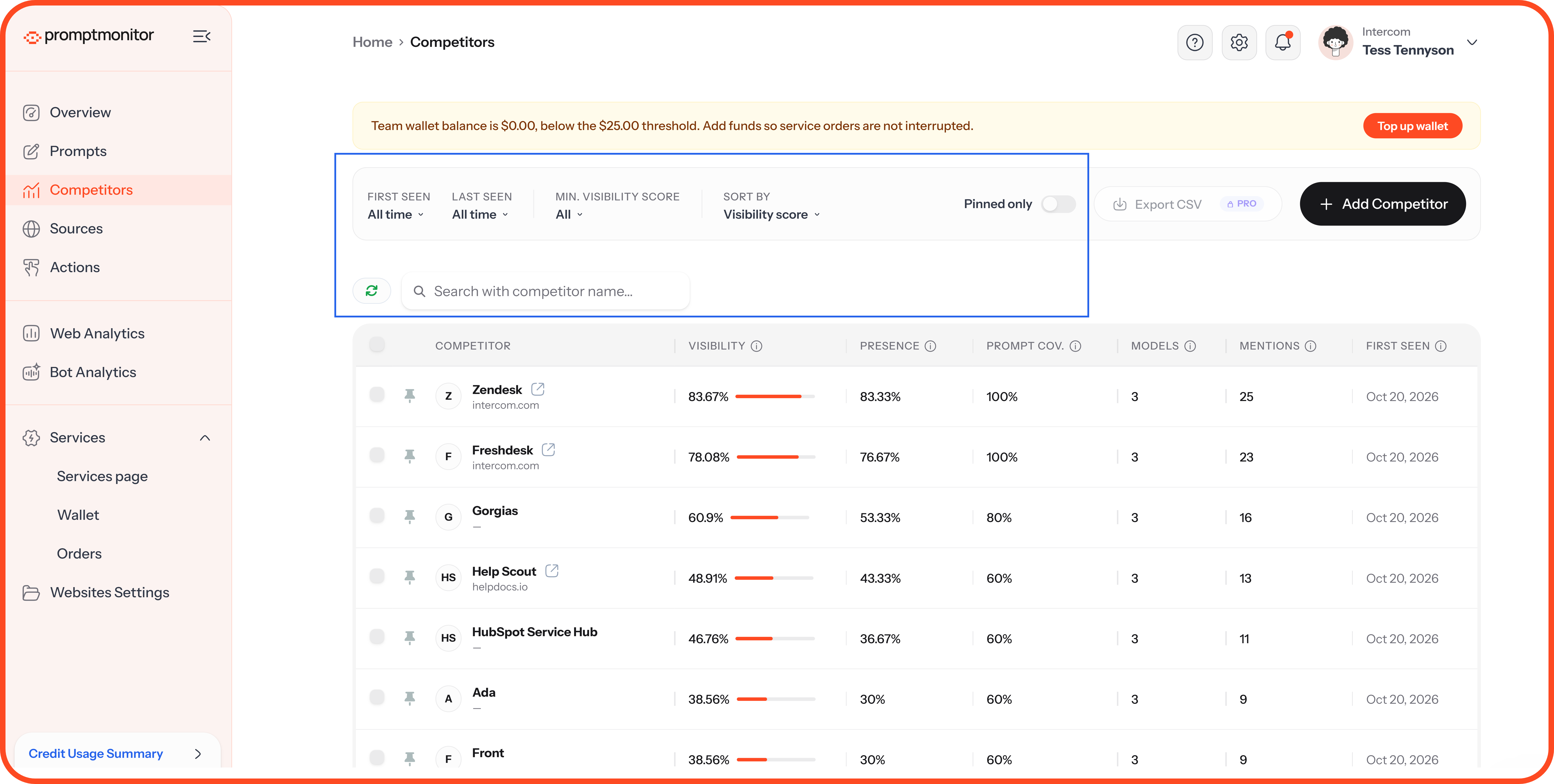
First seen / Last seen: Show competitors that first or last appeared in a set period.
Min. visibility score: Hide competitors below a score you choose.
Sort by: Visibility score, or another column.
Pinned only: Show only the competitors you've pinned.
Search: Find a competitor by name.
Check Last seen. A competitor with a high score but an old Last seen date hasn't appeared in recent crawls. Focus on the ones AI is naming now.
Pin Your Key Competitors
Pin the competitors you care about most, and they'll stay at the top of your list. You can pin up to 10 competitors per website.
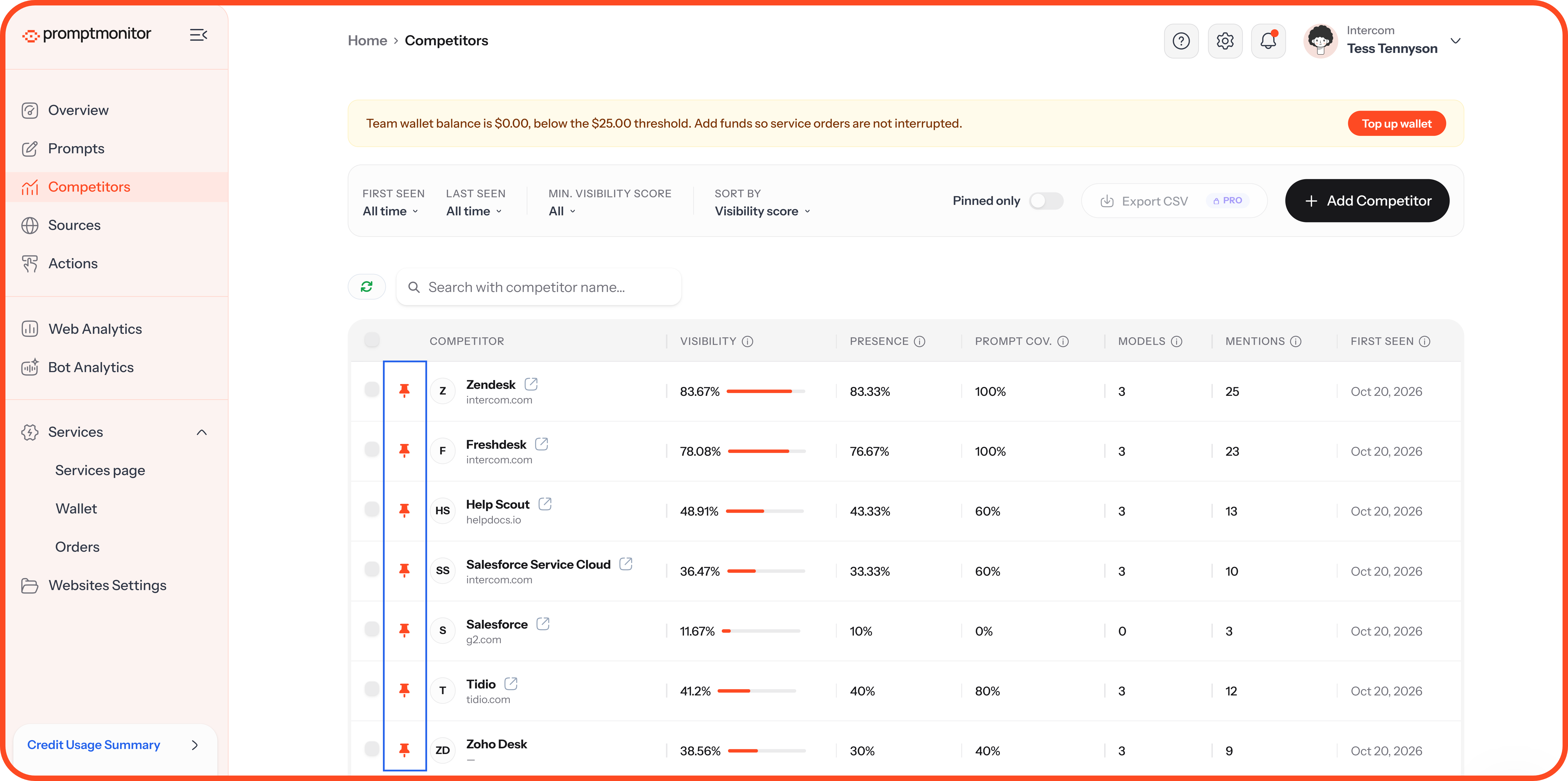
Pinning doesn't change AI answers. It just makes sure you see those competitors first.
Add a Competitor
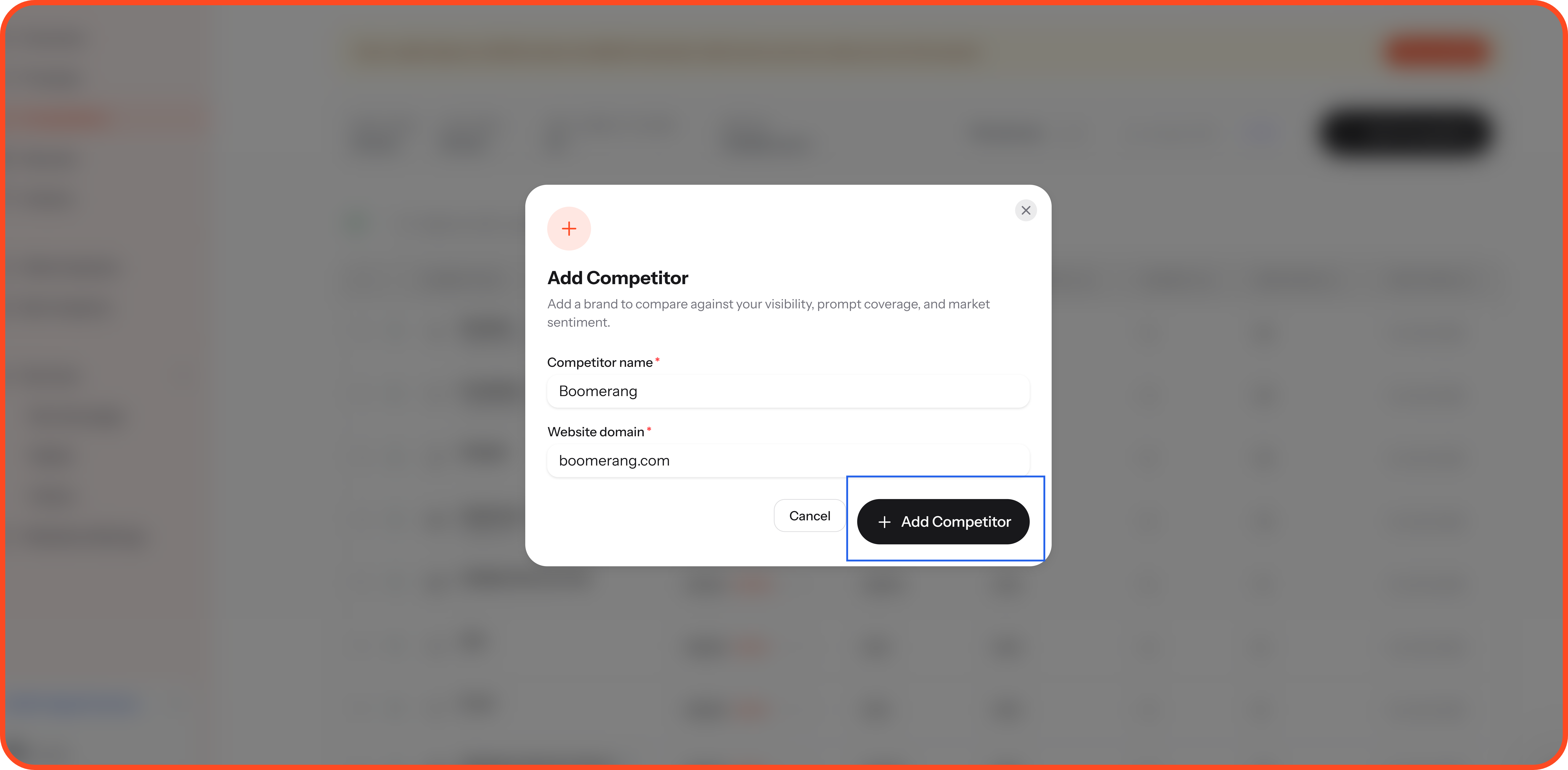
If a competitor you care about isn't on the list yet, add it yourself:
Click Add Competitor.
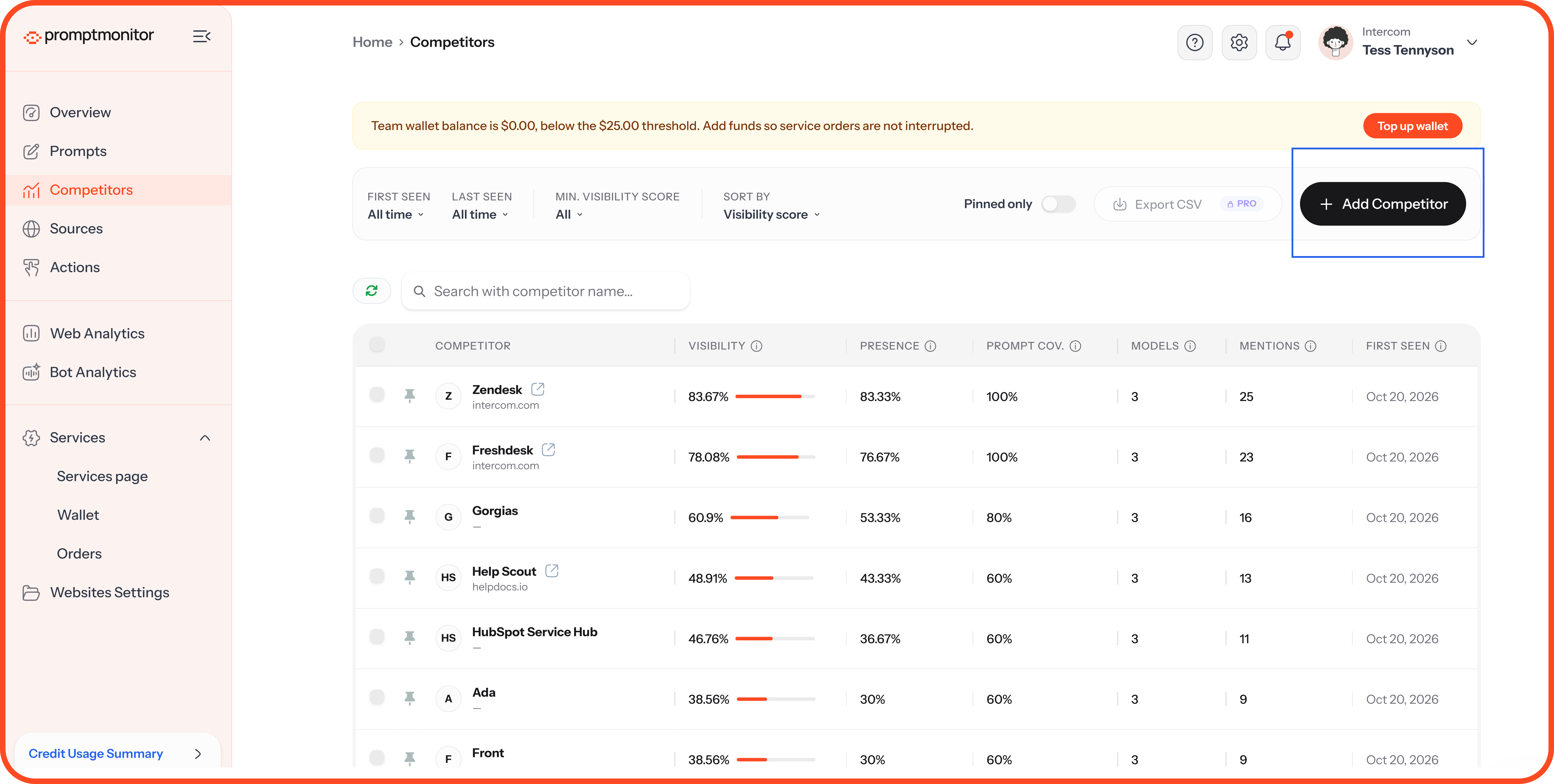
Enter the Competitor name and Website domain, such as "boomerang.com."
Click Add Competitor.
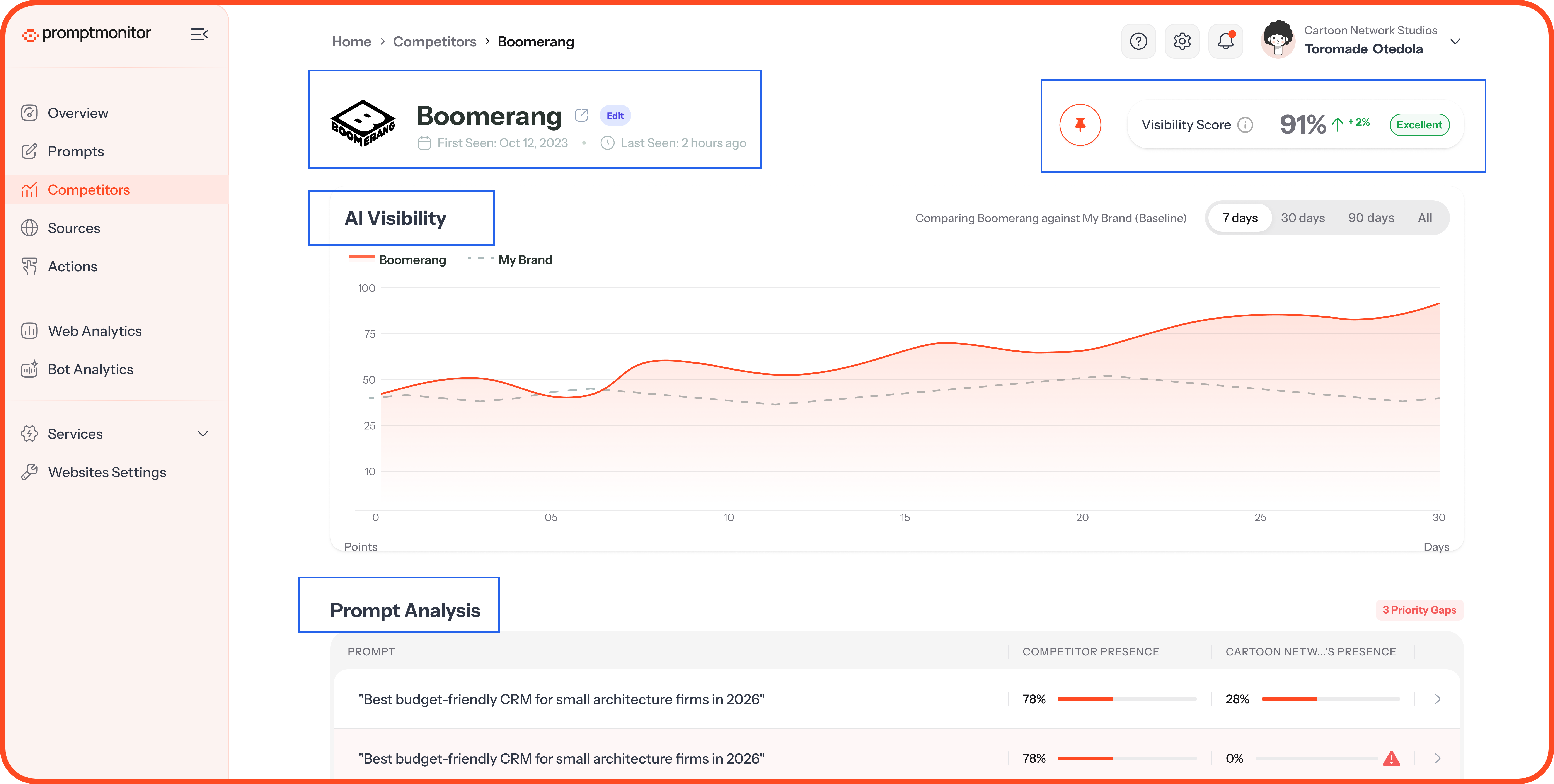
Open a Competitor's Profile
Click a competitor's name to see everything we know about their AI visibility.
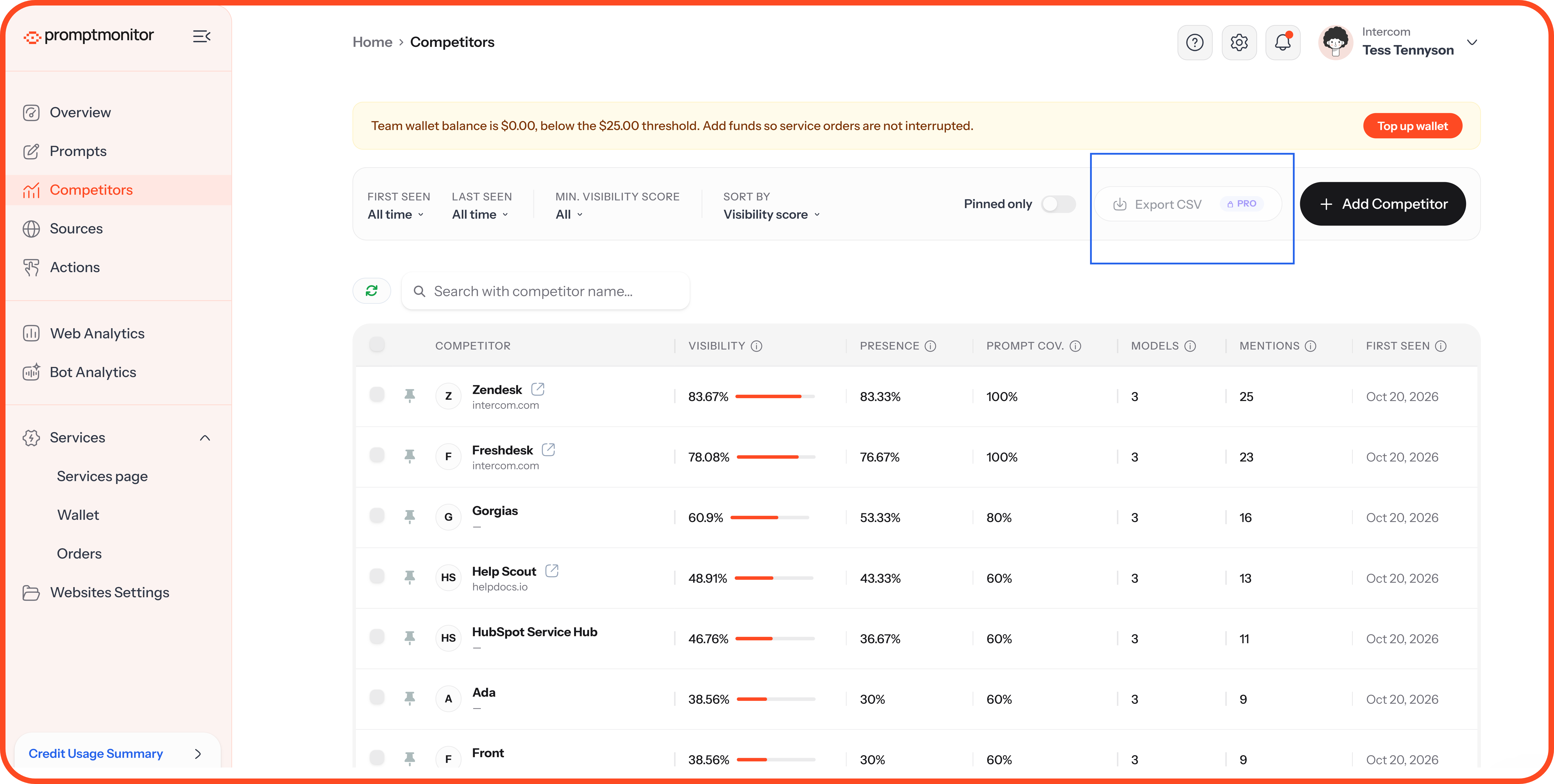
Export Your Competitors
Click Export CSV to download your competitor list. This is available on Growth and Pro.
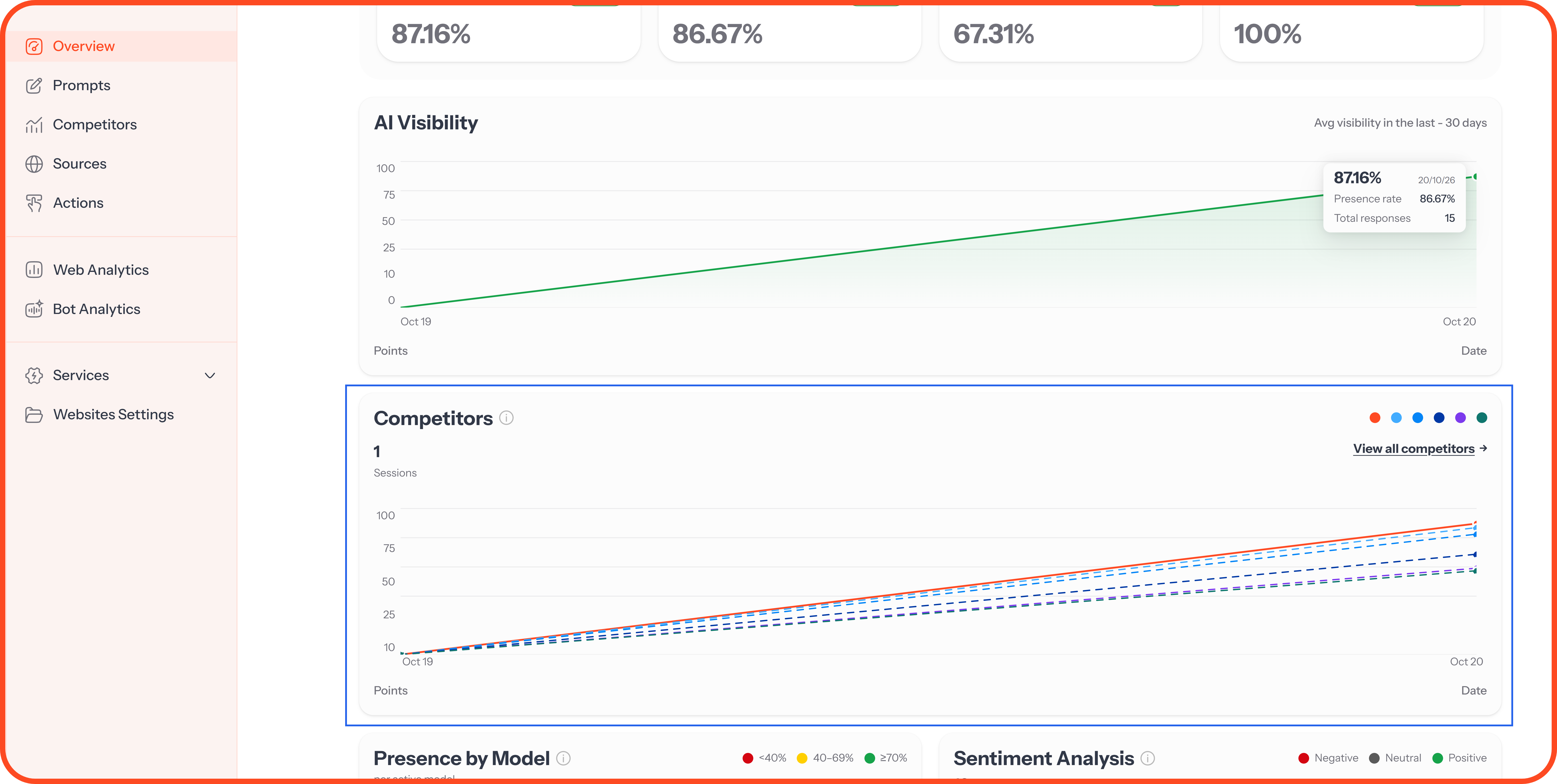
See Competitors in Other Places
Overview page: The Competitors chart shows your visibility next to your top competitors over time.
Prompt reports: Each prompt's Competitors tab shows who AI named for that one question. Use it to find prompts where a competitor appears and you don't.
When the Page Is Empty
FAQs
Why does the same competitor appear twice?
AI models don't always use the same name for a brand. "HubSpot" and "HubSpot CRM," for example, are counted separately because the models named them differently.
Why is a brand I've never heard of on my list?
AI models named it when answering your prompts. That makes it a competitor for AI visibility, even if you've never come across it in your market.
Why did a competitor's score drop?
AI models mentioned them less often in recent crawls. Check the trend over several crawls rather than one.
💬 Questions about your competitors? Click the ? icon at the top of your dashboard and choose Contact us.
Was this helpful?
Still need help? Ask the team